Unstoppable Domains provides free Whois privacy protection for all eligible DNS domains, and it is enabled by default to help keep your personal contact information secure.
Whois is a public directory required by ICANN, the global organization that coordinates the Domain Name System. When you register a traditional DNS domain, ICANN requires certain registrant details, such as name, email, and country, to be collected and made available unless privacy controls are applied.
Whois privacy replaces your personal data with proxy information, shielding your identity while still meeting ICANN’s compliance requirements for domain ownership verification and transfer processes.
For our terms and conditions on Whois Privacy (Proxy Service), please see this article.
Note: If you want instructions on how to update your Whois Contacts, please see this guide.
How to Enable or Disable Whois Privacy
You can enable or disable Whois Privacy per domain or disable in bulk.
Enable or Disable Per Domain
1. Go to My Domains and click on the domain you wish to change it for
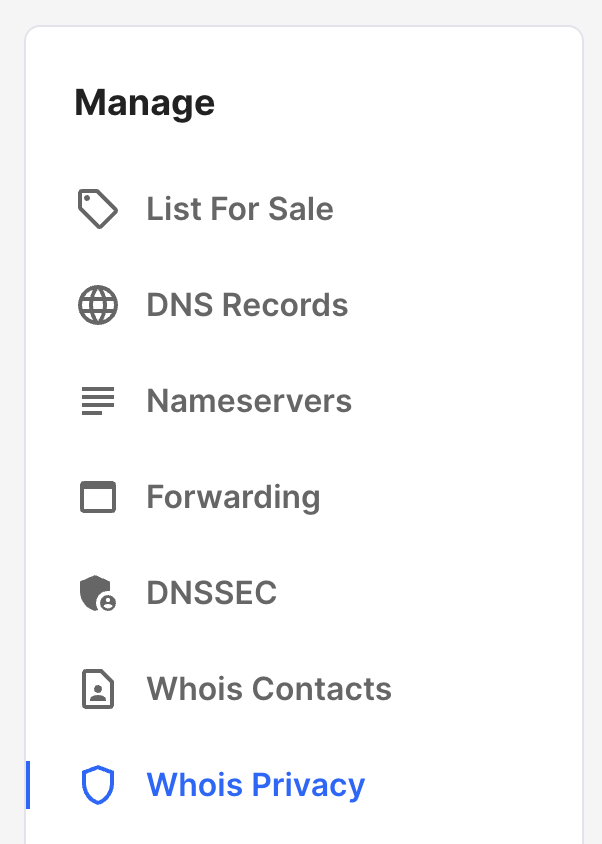
2. Click on Whois Privacy under Manage
3. Click on Disable domain privacy
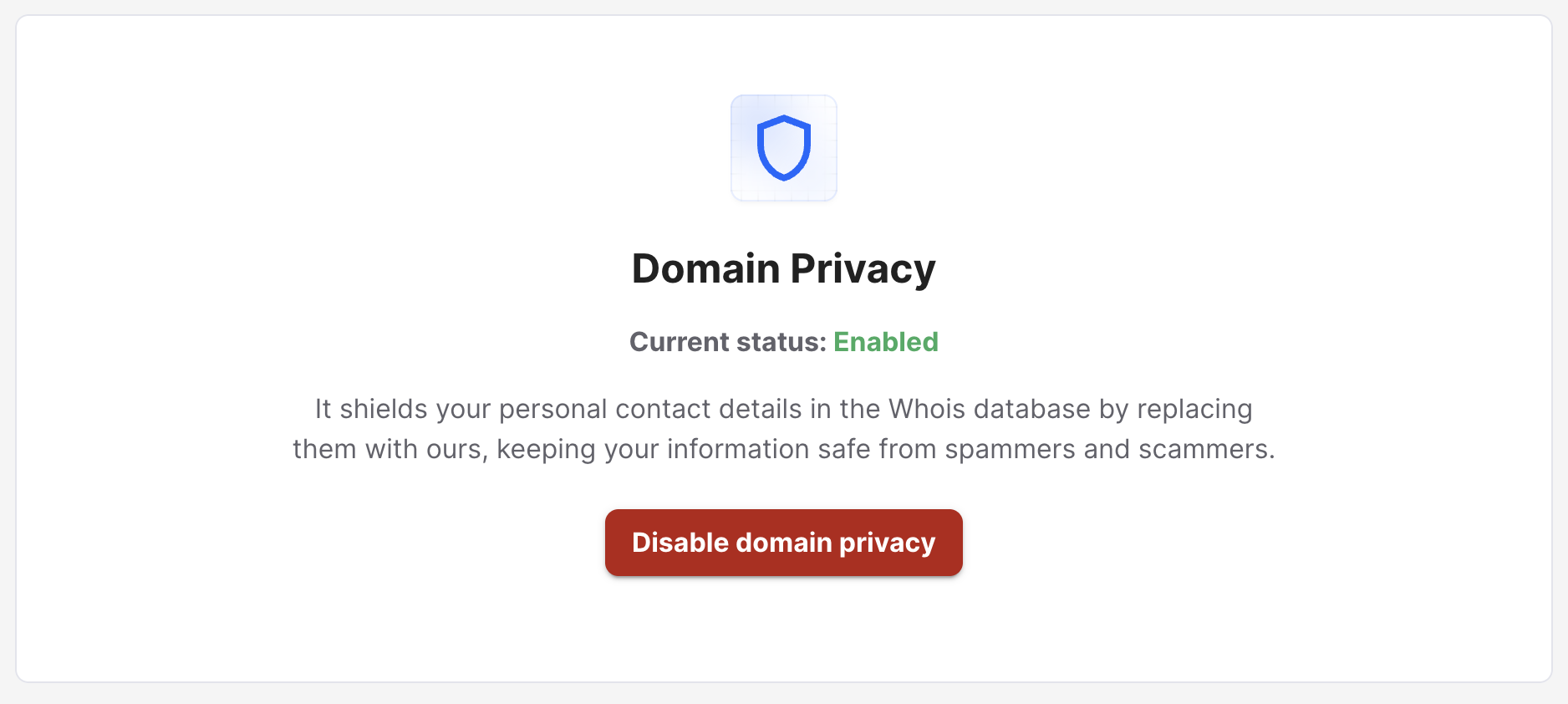
4. You will see a Pending Changes banner that will go away once the update has been made.

You will also see a green banner indicating that Whois updates can take a few days

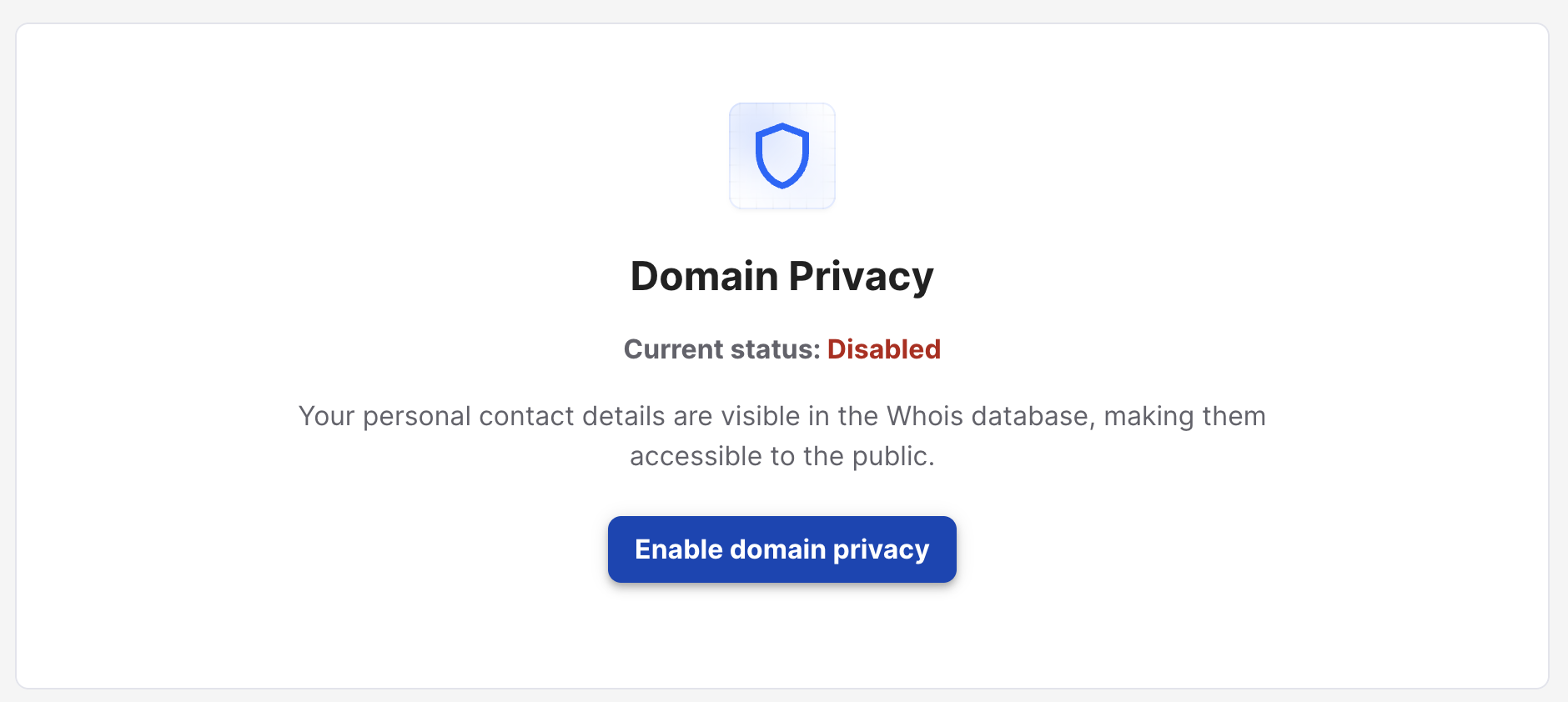
5. Once the Pending Changes banner goes away, you will then see that the current status indicates it is disabled
If you wish to enable it again, click the blue Enable domain privacy button
Disable In Bulk
1. Go to the My Domains page
2. Check the boxes next to the domains you wish to enable or disable
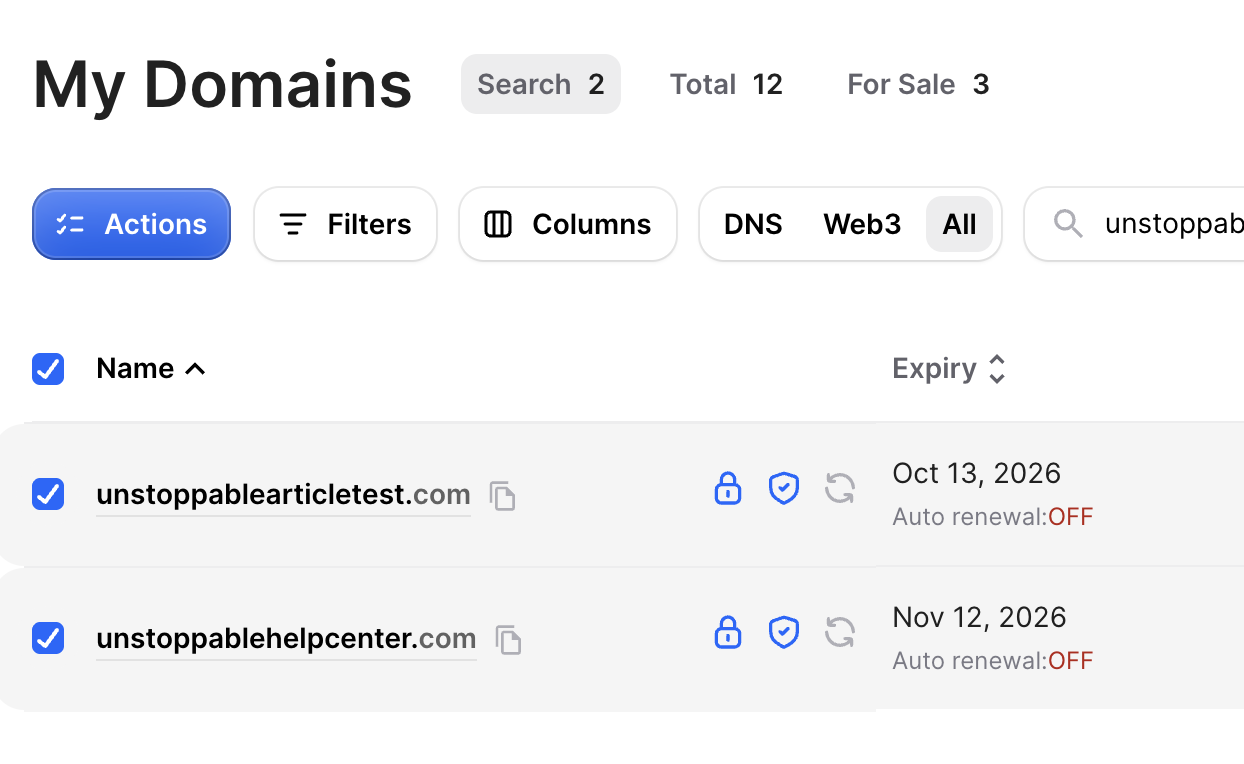 4. Click Actions
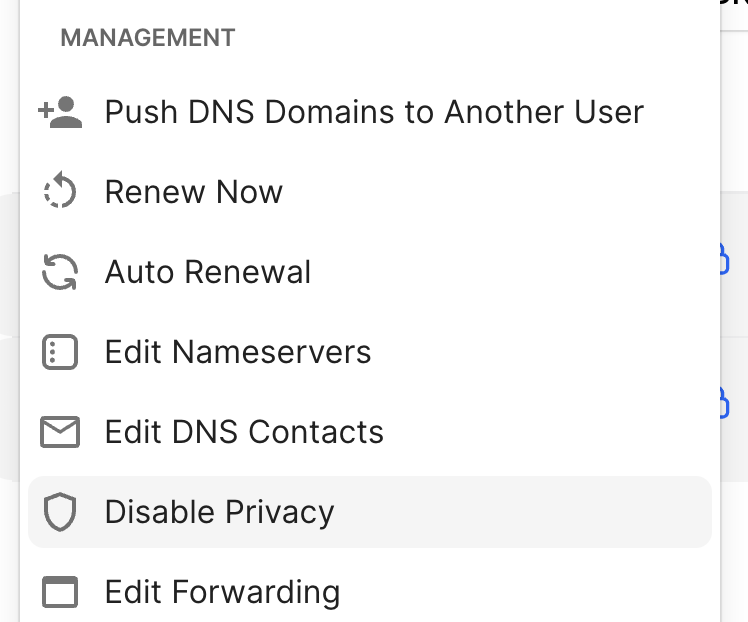
 4. Under Management select Disable Privacy
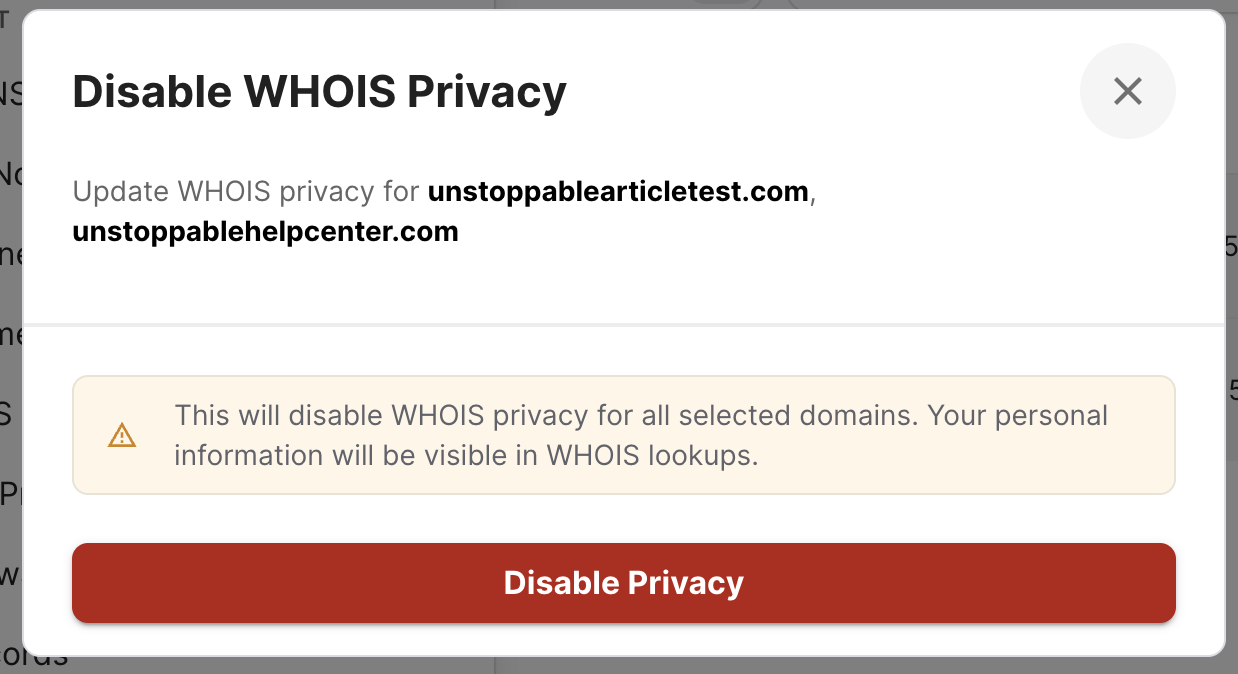
5. In the pop-up it will list the domains you are disabling for and you can select Disable Privacy to submit your changes
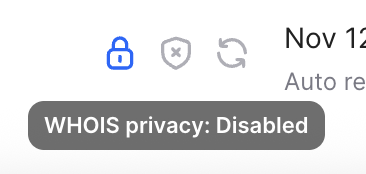
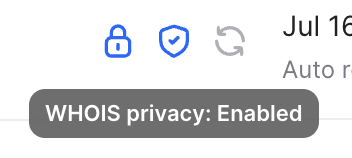
On the My Domains page, you will see a shield icon next to your domain. If it is blue, that means Whois Privacy is enabled. If it is gray, that means Whois Privacy is disabled.
Enabled:
Disabled: