Socials Manager lives inside and helps you create, publish, and schedule social media posts using natural language. Describe what you want to say, and the agent drafts it, polishes it, and sends it to your connected accounts — no copy-pasting between apps.
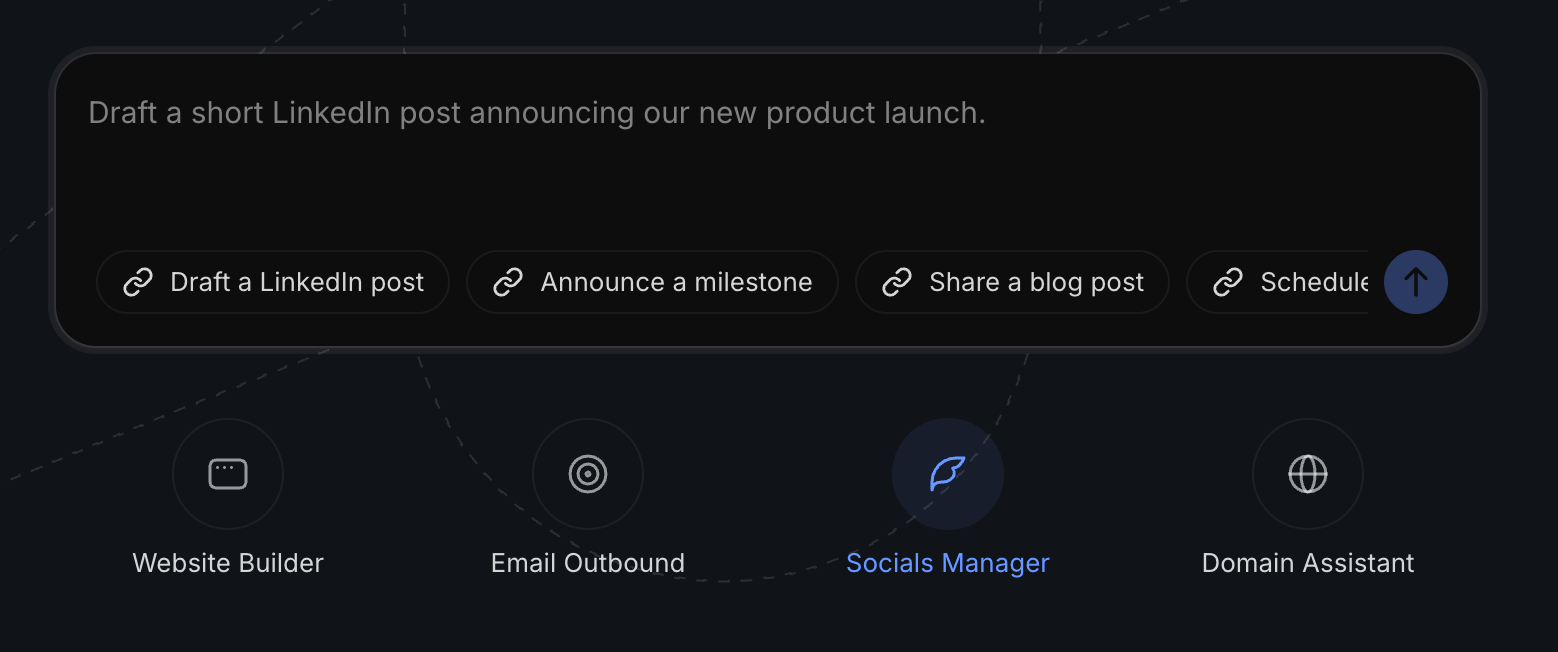
Supported social channels
Currently we support the below social channels. We hope to add more in the future.
What it does
- Create posts from a simple description or idea.
- Publish posts directly to your connected accounts.
- Schedule posts to go out at a specific time.
- Connect a social account
How to Connect Social Accounts
When you are inside a social media agent chat window, you will see Manage Accounts at the top.

You will be presented the modal to manage accounts including adding a new one.
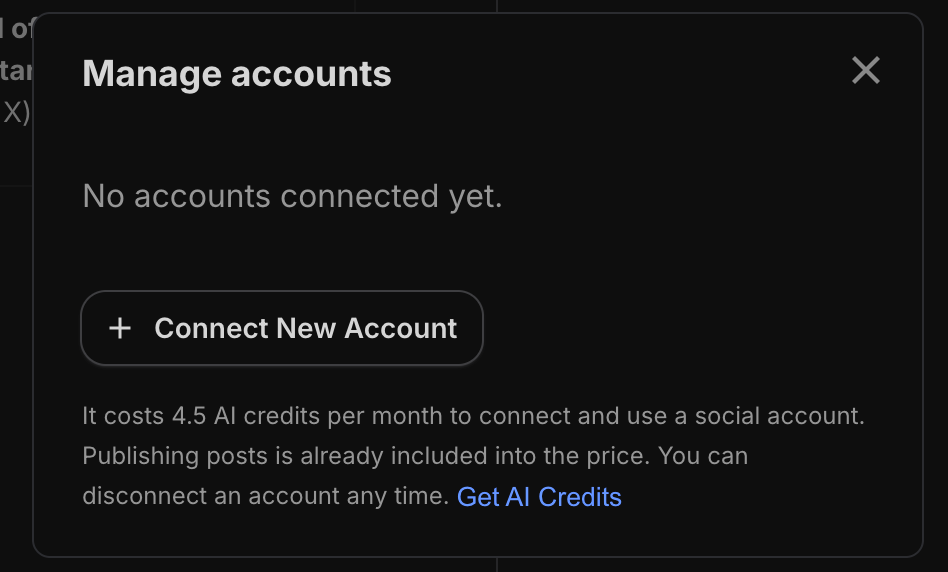
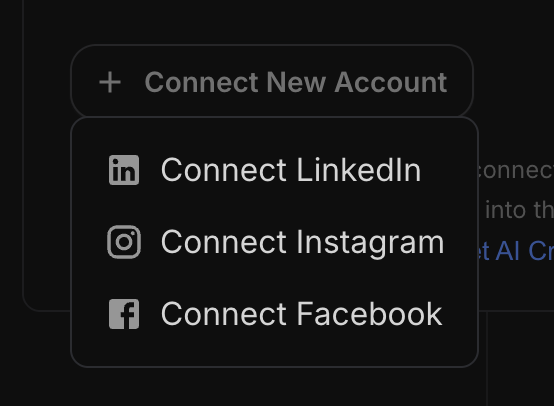
Press the Connect New Account button to connect your LinkedIn, Instagram, or Facebook account. You will be directed to a login page to connect the account you chose. Our partner Zernio handles the authentication.
A few things to know
- It costs 4.5 AI credits per month to connect and use each social account.
- Publishing posts is already included — no extra charge per post.
- You can disconnect an account any time via Manage Accounts.
Create and publish a post
Use a prompt such as "Draft a LinkedIn post about domain aftermarket strategies"
It will generate the post and add it to your posts list in the right preview pane. If you do not see it, click where it says Month and choose List.
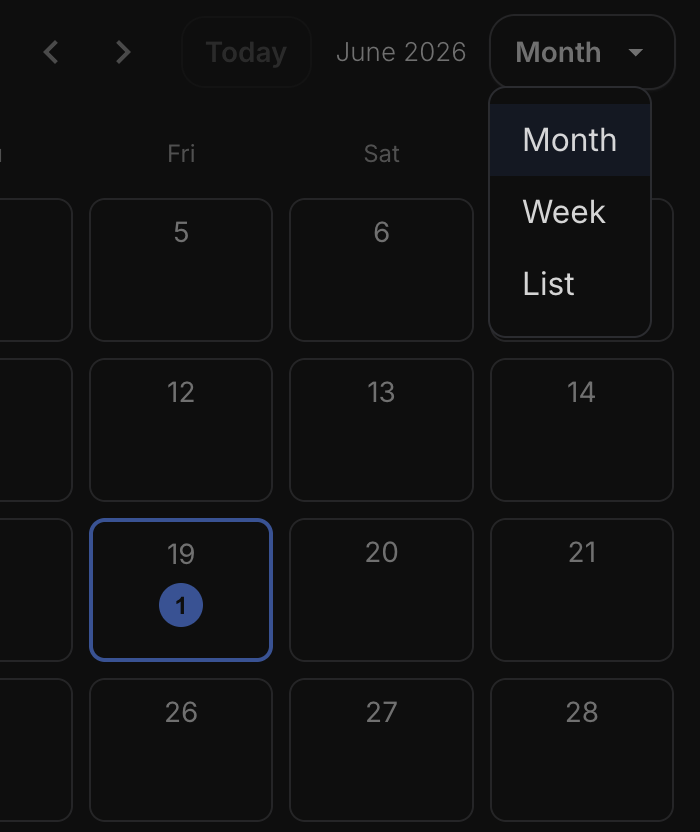
You will see posts the agent has created there.
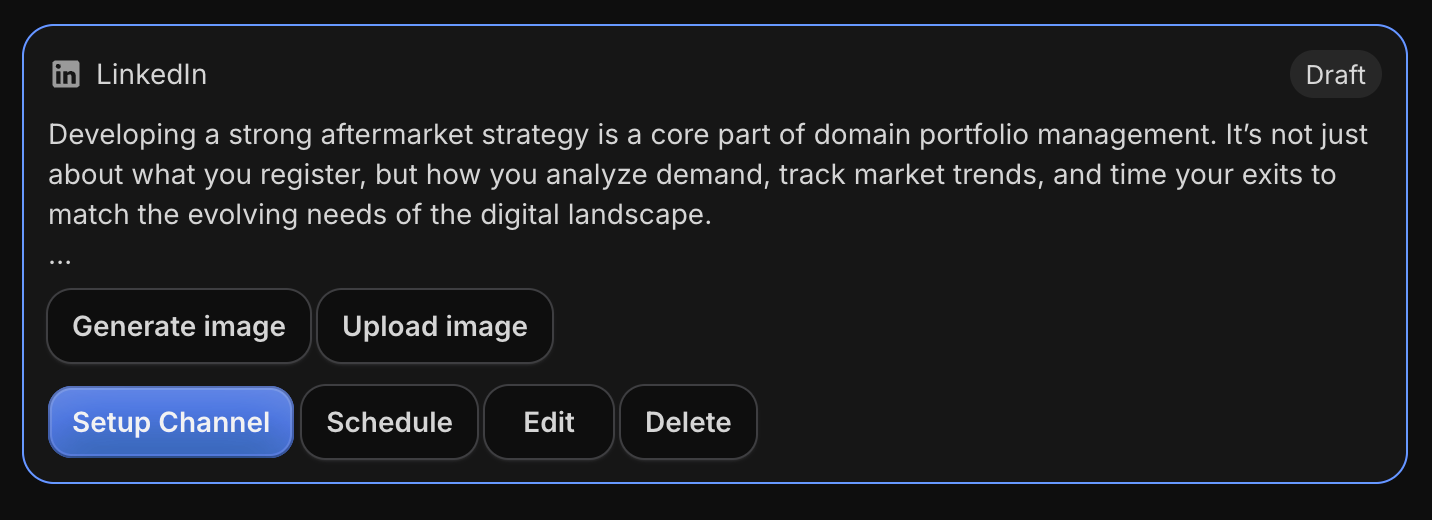
From this screen you can:
- Generate an image via an entered prompt - this consumes AI credits
- Upload your own image
- If you have not setup the channel yet, you can do so via the Setup Channel button
- Schedule the post
- Edit the copy yourself directly
- Delete the draft
Schedule posts
You can schedule posts with natural language with a prompt such as: "Schedule this post to go out Friday at 9am" or use a specific date and time.
You can see your scheduled posts on a weekly or monthly view with the social channels icon on the card.
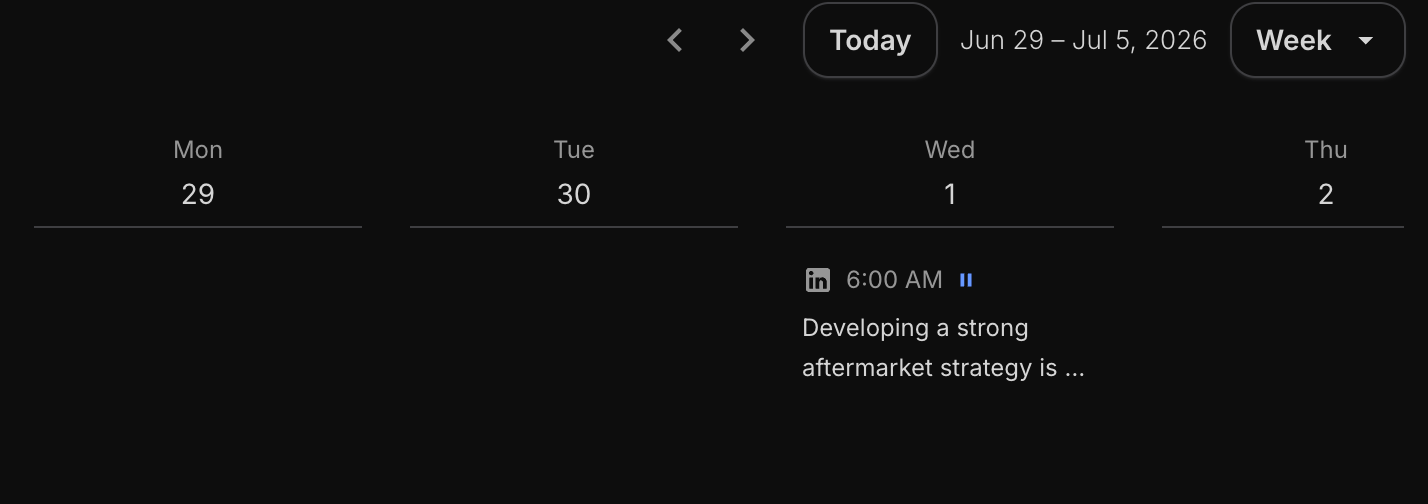
For recurring/automated posting, use Automations. See Automations: Run AI Tasks on a Schedule for a deep dive.
Choosing a model
Choosing the right model for the right task is vital to ensuring you get great results while managing your AI credit spend.
Available models:
- DeepSeek V4 Flash
- DeepSeek V4 Pro
- Gemini 3.1 Flash Lite
- Haiku 4.5
- Sonnet 4.6
- Opus 4.8
See How to Choose Your AI Model for further information.
How it's billed
- 4.5 AI credits per month per connected account.
- Publishing is included — no per-post charge.
- Disconnect any time to stop credits for that account.
See AI Credits & Subscriptions: Pricing and How They Work for more pricing information.
.