Part of Website Builder — see the Website Builder Overview; this covers project management in detail.
Start a New Project
Click the + New Chat button at the top of the sidebar, or start fresh from the main page. You can also click the dropdown icon to choose the Website Builder agent.
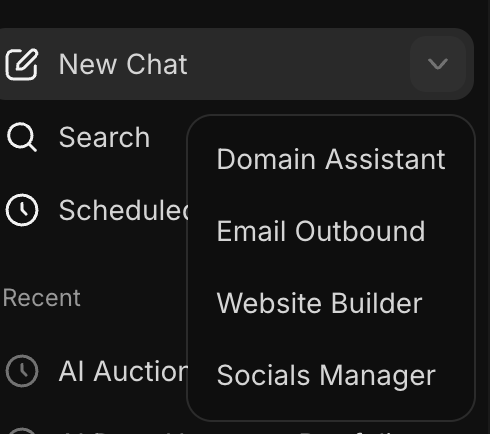
If you select New Chat or are starting on the homepage, choose the Website Builder agent.
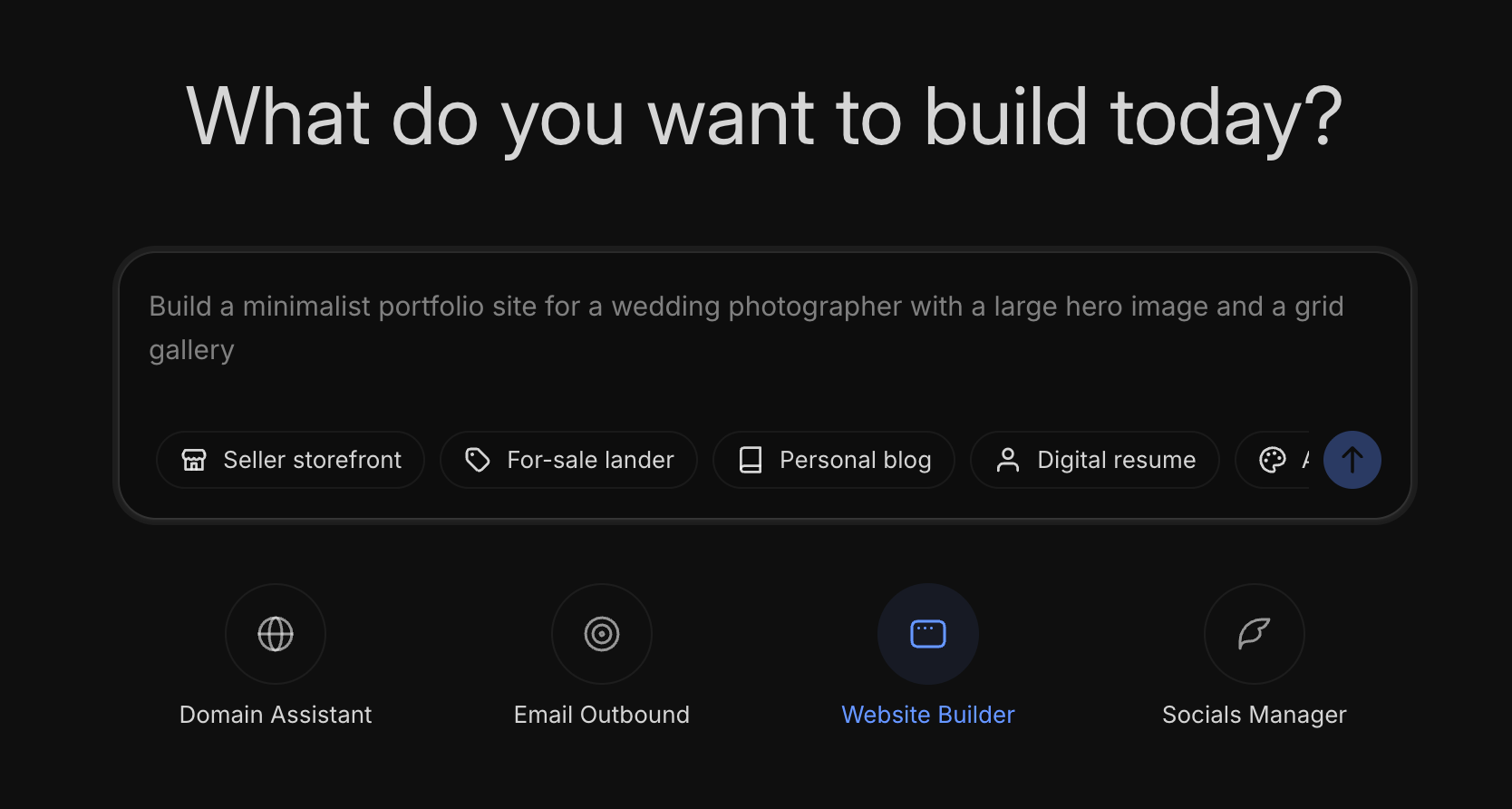
Switching Between Projects
Click any project in the sidebar to load it. Your conversation history, generated site, and all settings are preserved. Each project in the sidebar shows its title.
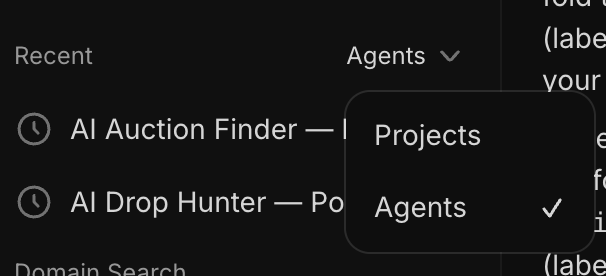
You can filter by Projects or specific agents via the dropdown next to Recent.
Project Actions
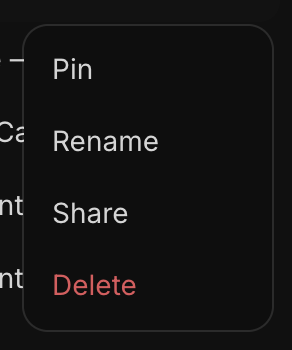
Click the three-dot menu on any project to access these actions:
- Pin - This will pin the project to the top of the sidebar.
- Rename — Change the project title.
- Share — This will create a shareable URL with the transcript of the chat. It is read-only.
- Delete — This permanently deletes the project. It is removed from the sidebar and its files are removed from our servers.
Issues?
For common Website Builder issues see Website Builder: Troubleshooting, Limits & Quotas. You may also reach our support team at support@unstoppabledomains.com.