Part of Website Builder — see the Website Builder Overview. This guide covers common issues, plus the limits and quotas that apply when building and publishing.
Most issues with Website Builder come down to credits, publishing setup, or a hit limit. Find your situation below.
Publishing & hosting
My site won't publish to my domain
The most common cause is external nameservers. If a domain points to nameservers other than Unstoppable's, hosting can't be enabled for it, so the site won't go live there.
Set the domain to use Unstoppable Domains nameservers, then publish again. See How to Add or Change Nameservers or ask the Domain Manager agent.
My site loads on my domain but not on "www."
If your site works on your root domain (e.g. example.com) but not on www.example.com — or a domain shows no hosting after you publish:
Confirm the domain uses Unstoppable Domains nameservers (external nameservers can't have hosting enabled).
Make sure hosting/the www record is provisioned under Fowarding -> Subdomains in the domain's management page, then re-publish.
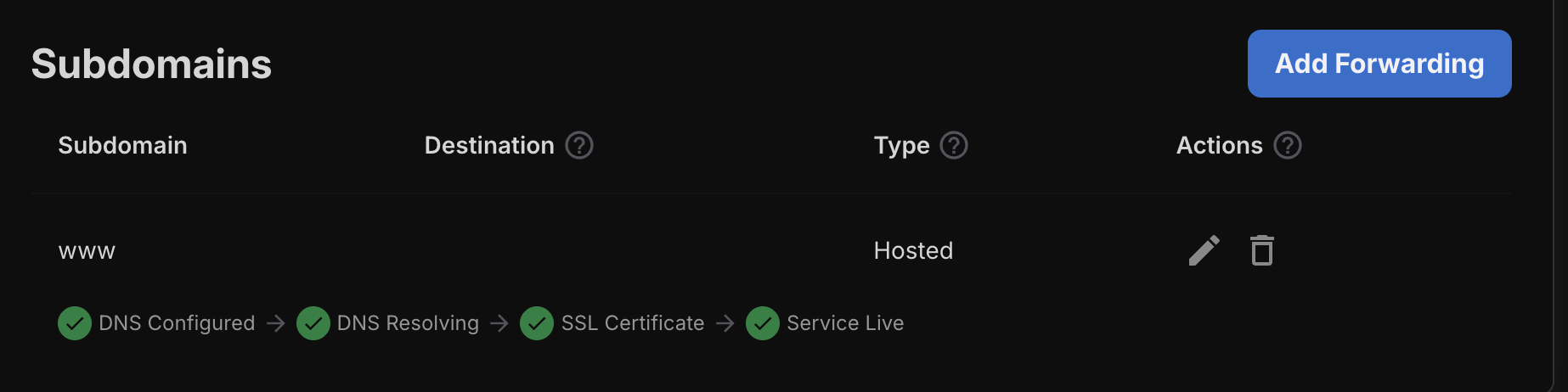
If it still doesn't resolve after a few minutes, contact support.
I published changes but the site looks the same
Publishing pushes a snapshot of your site live. If you've made edits since, re-publish to push the latest version.
Changes can take a several minutes to appear. Try a hard refresh or a private/incognito window to rule out browser caching.
I published but my site is not showing
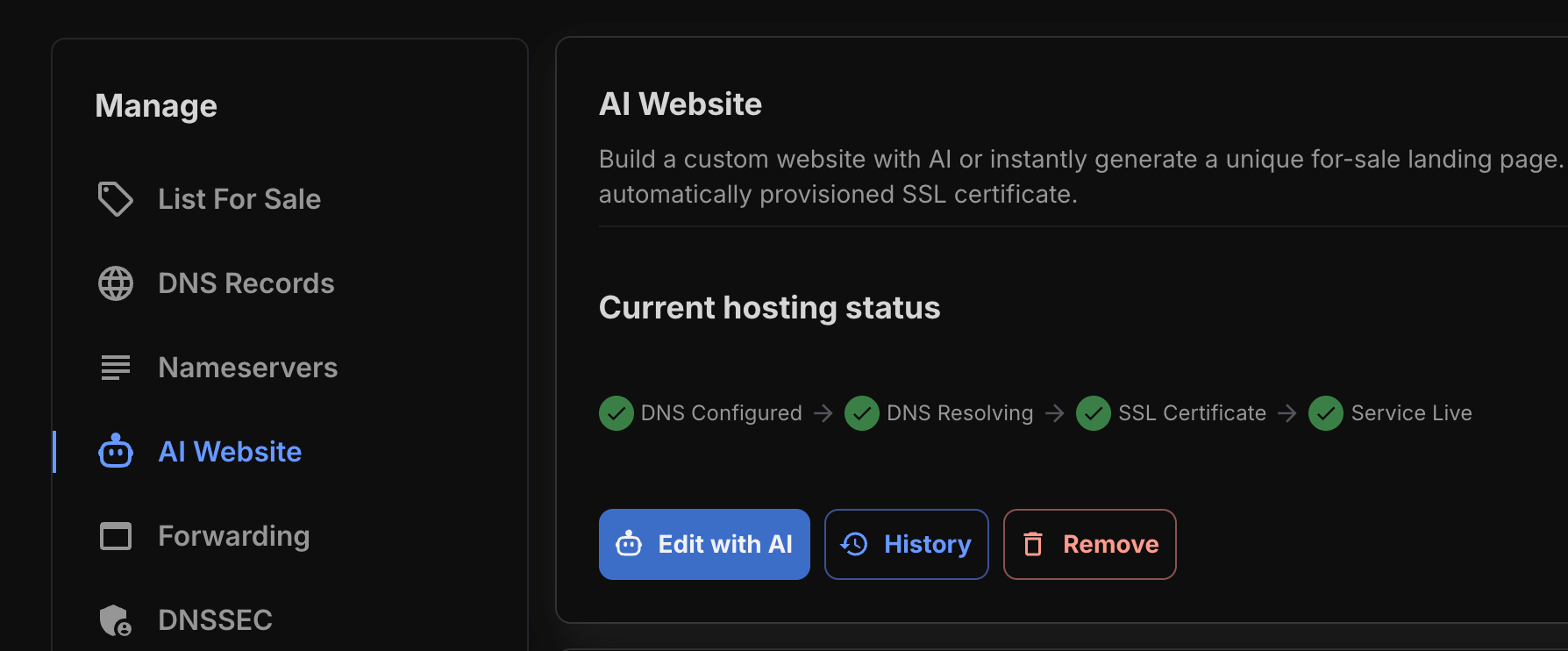
Publishing can take an hour or two at times. Ensure that it is fully finished publishing by going to the domain's management page and click on AI Website. It will show you progress there.
Credits
"Insufficient AI credits"
You've run out of credits for the action you're trying to take.
You have a few options:
- Wait for your free daily credits. Every account gets 5 free AI credits per day — if you're briefly out, your next day's credits may be enough.
- Use a lower-cost model. More capable models cost more per task; switching to a cheaper model stretches your credits further. See How to Choose Your AI Model.
- Buy a credit pack or subscribe for a monthly allowance at a lower rate. See AI Credits & Subscriptions: Pricing and How They Work.
Building & previewing
The AI is taking a long time
Complex sites take longer to generate, especially on the most capable models — for example, a complex build on Opus 4.8 can take up to about multiple minutes.
If you want faster turnarounds for simple changes, switch to a lighter model in the model selector. See How to Choose Your AI Model.
The result isn't what I asked for
- Refine in chat — describe the specific change ("make the header smaller", "use a darker theme"); the AI iterates on the current site.
- Be more specific — name the exact section, page, color, or wording you want.
- Try a more capable model for complex or nuanced requests.
- Start a new project if you want a clean slate without affecting your current one.
Still stuck?
If none of the above resolves your issue, reach out to our support team with your domain name and a description of what you're seeing. For the full picture of what the builder can do, see the Website Builder Overview.