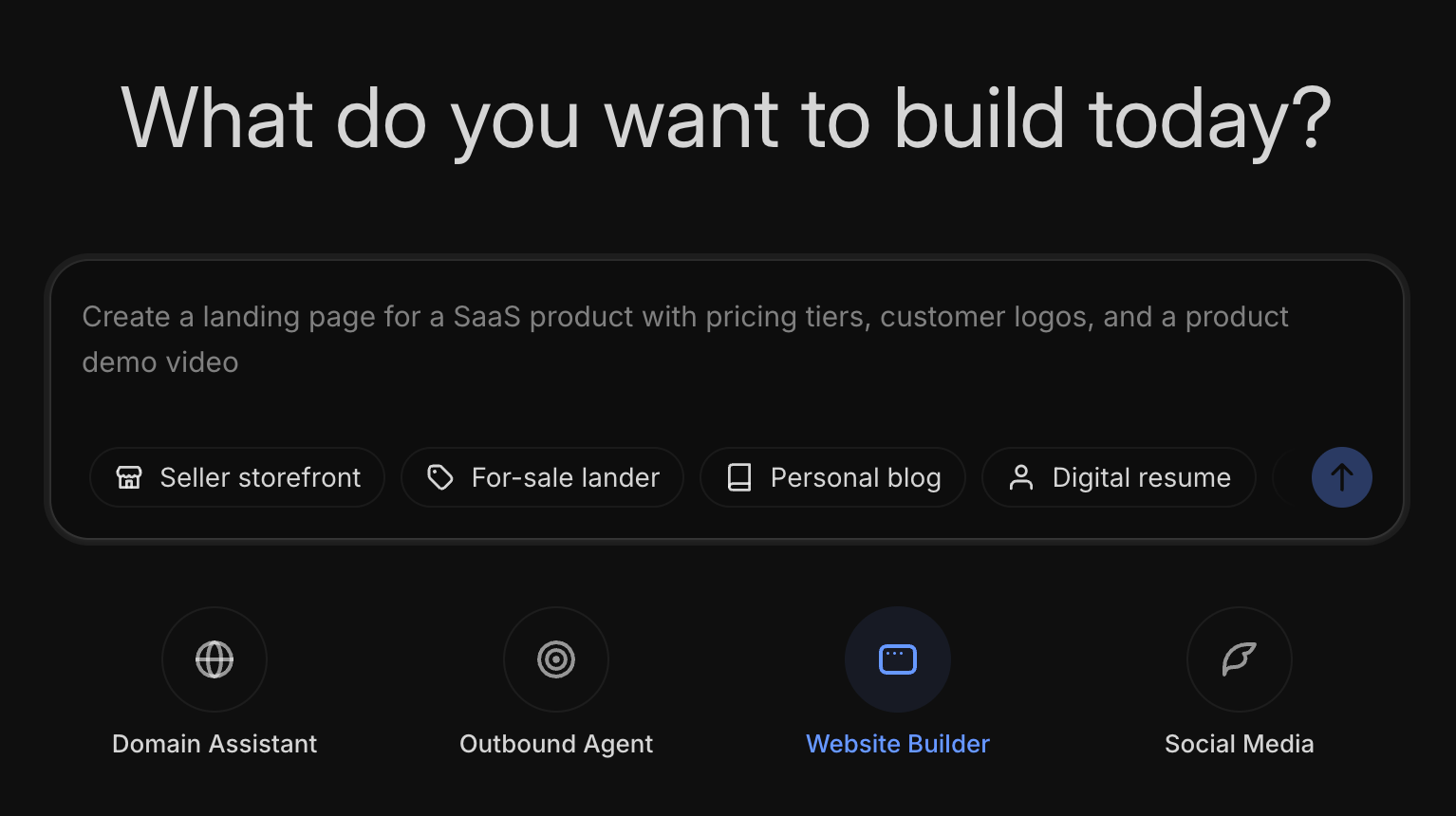
Our AI Site Builder lets you create and publish a fully custom website using plain English.
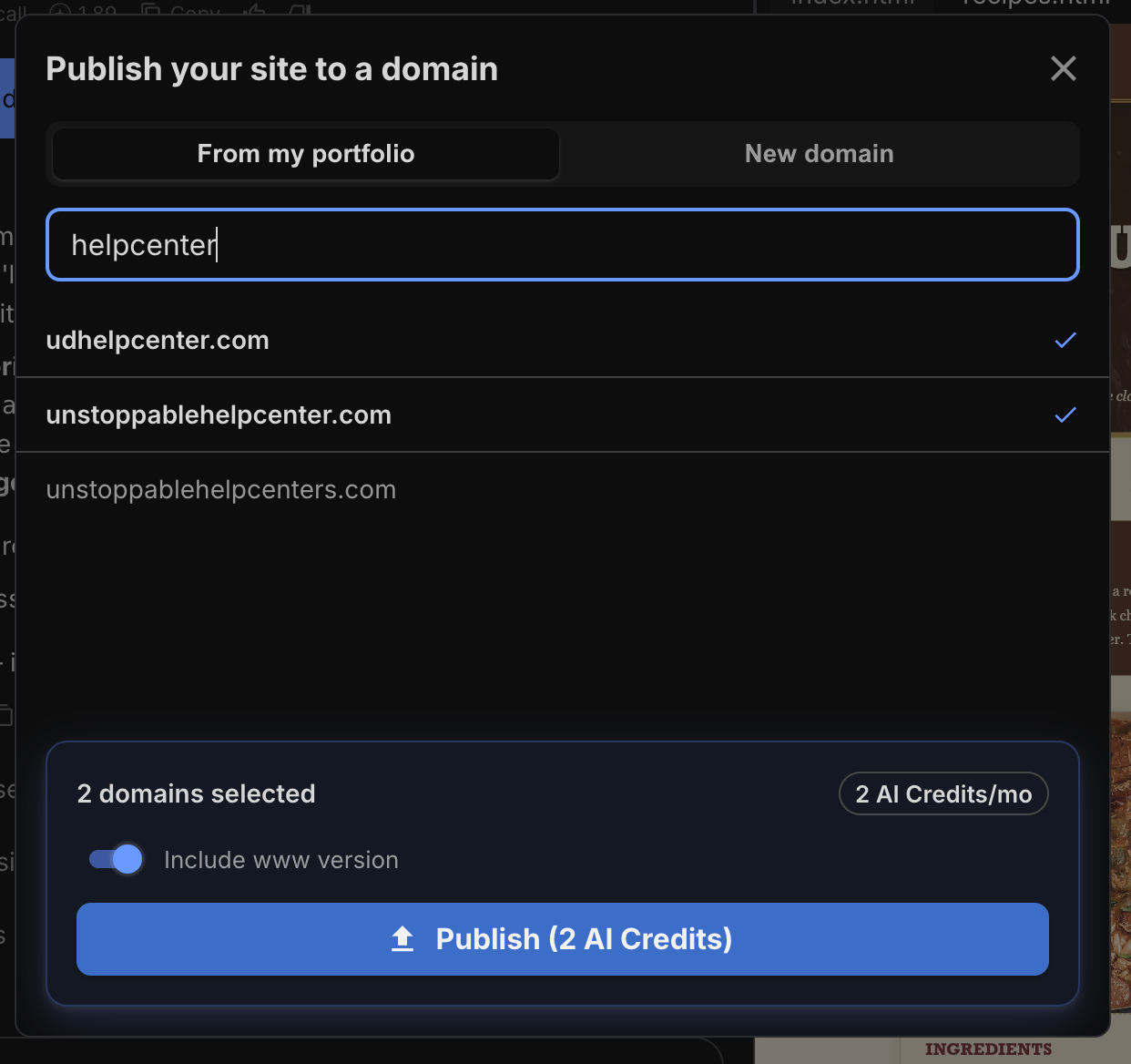
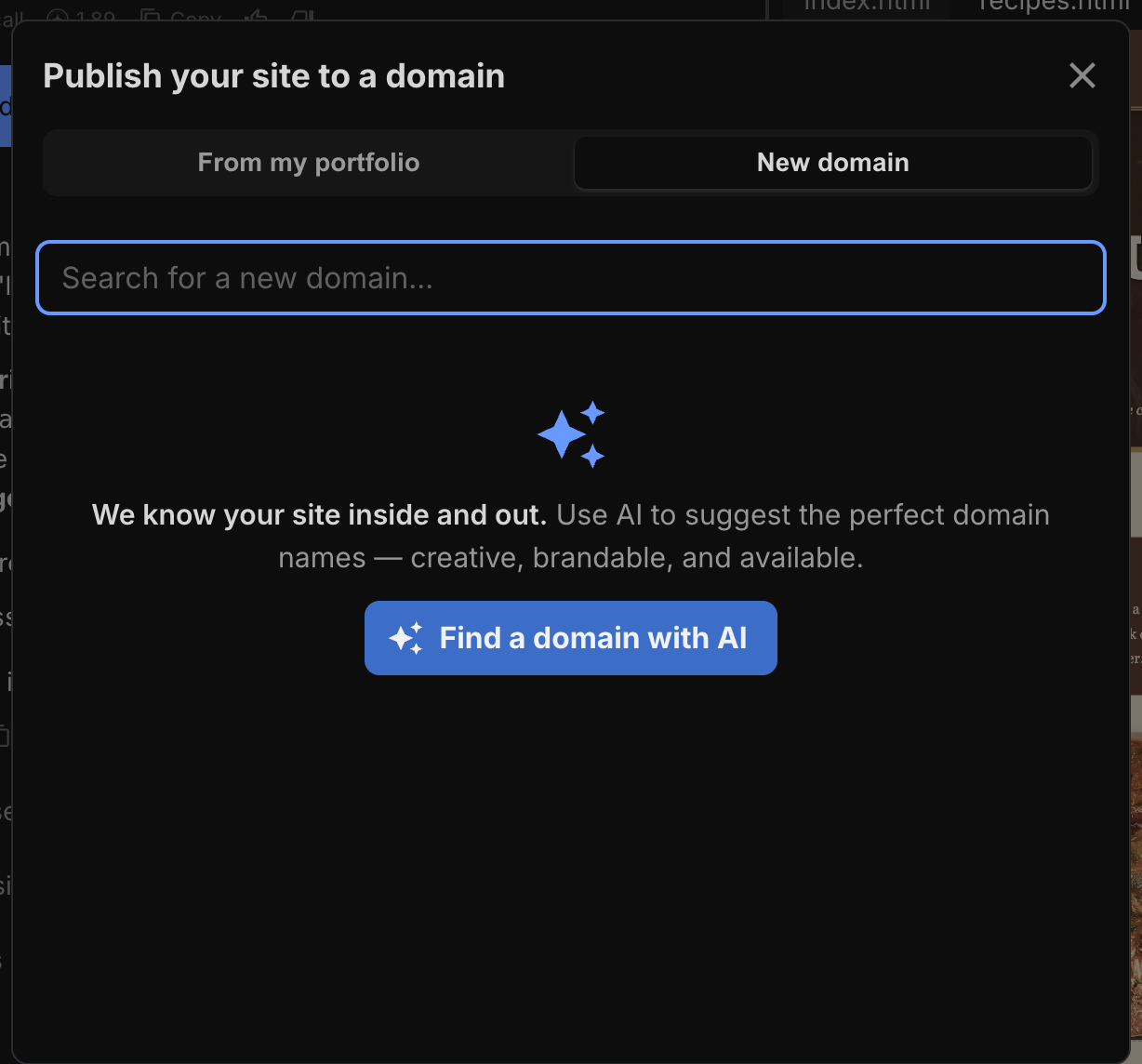
Describe what you want, refine it through conversation, and publish to any domain you own — no code required. When you publish, we handle DNS configuration, SSL certificates, and hosting automatically.
How to Access AI Site Builder
- Sign in to your Unstoppable Domains account.
- Navigate to AI Site Builder from the main menu.
- You'll see a blank project with a chat input. Type a description of the site you want, or choose a template and style first.
The Interface
AI Site Builder uses a three-panel layout:
Sidebar (left) — Lists all your saved projects. Create new projects, rename, clone, or archive existing ones.
Chat Panel (center) — Where you interact with the AI. Type messages, upload images, choose templates and styles.
Preview Panel (right) — Live preview of your generated website. Toggle between desktop, tablet, and mobile views.
On mobile devices, the chat and preview panels are shown one at a time. Use the toggle button in the header to switch between them.
The header contains controls to show/hide the sidebar, rename your project, open a shareable preview, and publish your site.
Choosing a Template
Templates define the structure and layout of your site. Pick one before you start chatting, or let the AI choose a layout based on your description.
Available templates:
- Business Page — Best for company or service landing pages. Includes a hero with headline, feature grid (3–4 items), testimonials, contact/signup CTA, and footer.
- Personal Portfolio — Best for freelancers, creatives, and developers. Includes header with navigation, about/hero section, work showcase (3–6 project cards), skills section, and contact.
- Event Page — Best for product launches, conferences, and meetups. Includes bold hero with date and CTA, event details, schedule/agenda, speaker or item cards, and signup CTA.
- Social Hub — Best for link-in-bio style pages. Mobile-first single column with profile photo, name, bio, 5–8 link buttons, and social media icons.
- Domain Lander — Best for domains listed for sale. Marketplace listing page with domain name, price, lease-to-own option, and "Make an Offer" CTA.
- Custom — Best for anything else. No predefined structure — describe exactly what you want and the AI builds it from scratch.
To choose a template:
- Click the template icon (grid icon) in the chat input toolbar.
- Browse the available templates in the modal.
- Click a template card to select it. Select Custom if you want a blank slate.
- Close the modal and start chatting. The AI will use your selected template as a structural guide.
Choosing a Design Style
Design styles (also called Starters) are professionally crafted design directions that give your site a polished look instantly. They include curated color palettes, typography pairings, and visual effects.
Choose from 100 design directions across 9 categories:
- Modern — Glassmorphism, Neomorphic Soft, Premium SaaS, Bold Gradient Hero, Bento Grid, Aurora Glow
- Creative — Memphis Design, Pop Art, Collage Scrapbook, Kinetic Typography, Neon Playground
- Professional — Corporate Confidence, Luxury Fashion, Elegant Serif, Minimalist Gold, Newspaper Editorial
- Bold — High-contrast, impactful designs
- Classic — Timeless, traditional aesthetics
- Industry — Sector-specific design patterns
- Artistic — Illustration and art-inspired layouts
- Retro — Vintage and nostalgic aesthetics
- Experimental — Cutting-edge and unconventional designs
To choose a style:
- Click the style icon (palette icon) in the chat input toolbar.
- Use the category chips at the top to filter by aesthetic.
- The modal shows 5 random starters. Click Shuffle Styles to see more options.
- Click a style card to select it, or choose Custom to describe your own design.
The Guided Interview
If your first message is brief or vague (for example, "Make me a website"), the AI will ask 2–4 focused clarifying questions before generating anything. This ensures the result matches what you actually need.
Questions might include things like:
- What is the name of your business?
- Who is your target audience?
- What's the primary goal of the site?
- Do you have specific colors or branding in mind?
The AI will also remind you that you can upload images (logos, photos, banners) to include in your site.
If you provide a detailed first message, the guided interview is skipped entirely and the AI generates your site right away.