By default, nameservers will be automatically assigned to the ones provided by Unstoppable Domains when you purchase a new domain, pick one up from our marketplace, or when you transfer domains into our Registrar.
To avoid this, you can use our domain presets to specify which Nameservers you want to apply to your domains on Transfer in.
Navigate to the Domain presets page and go to 'Nameservers' > 'Create a Nameserver preset':

Select 'Default for Transfers' and name your preset for easy identification. These will automatically be applied to all new transfers into our registrar. You can also choose to set this for new registrations and marketplace purchases. 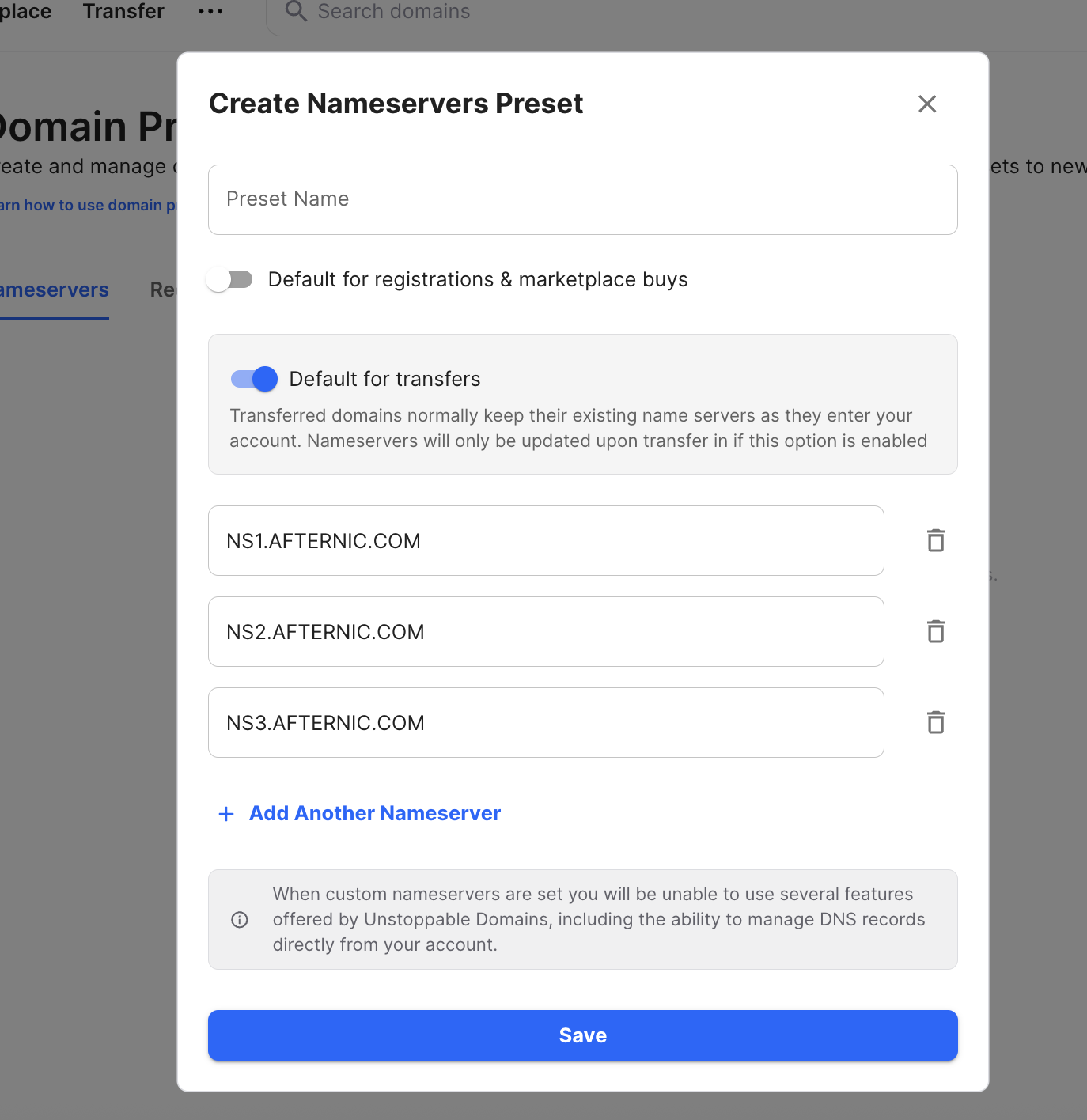
You can read more about all domain presets here.