Note: This guide is for transferring DNS Domains to a different account. To learn how to transfer Web3 Domains to a different account, please see this guide.
You can transfer (push) your DNS domain to another Unstoppable Domains account using the recipient's Account ID.
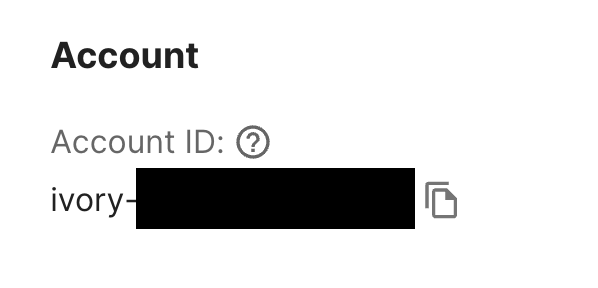
1. Have the recipient obtain their Account ID from the Account Settings page.
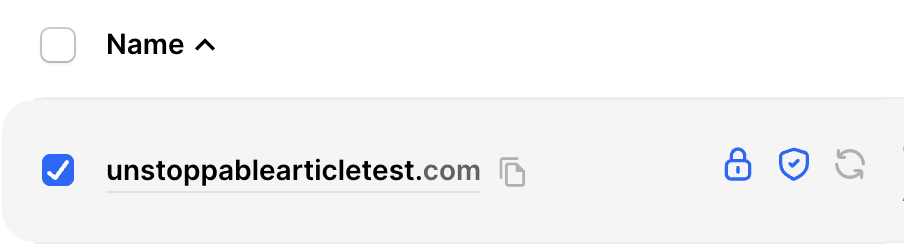
2. Go to your My Domains page and select the boxes next to the domain(s) you wish to transfer (push) to that account.
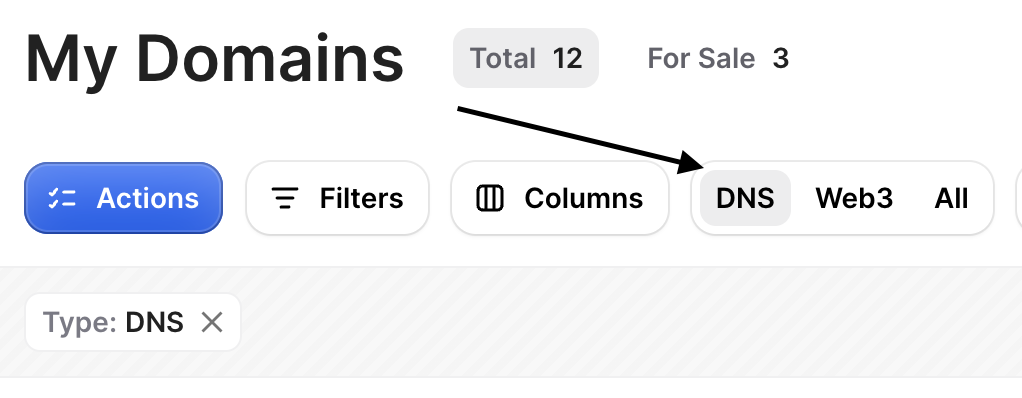
If you have a mix of DNS and Web3 domains, you can filter by DNS domains.
3. Click on the blue Actions button.
4. Click Push DNS Domains to Another User.

5. Enter in the Account ID the recipient provided to you.
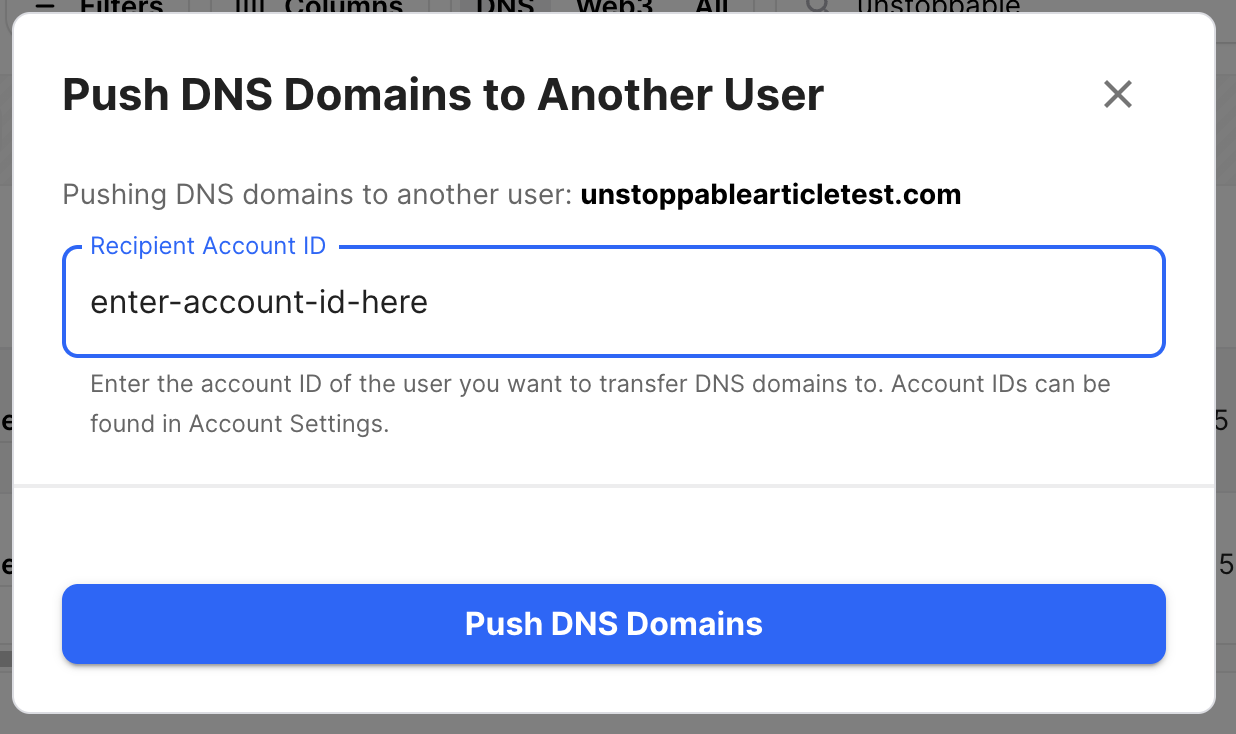
6. Click Push DNS Domains and the domain will transfer to the other user's account.

Note: If they are a new user, it may take an extra 15-30 minutes to show up while we setup their domain management.