Note: This guide is for transferring Web3 Domains to a different account. For transferring DNS Domains to a different account, please see this guide.You can transfer (push) your Web3 domain to another Unstoppable Domains account using the recipient's wallet address.
⸻
The recipient can find their wallet address by going to their Account Settings.
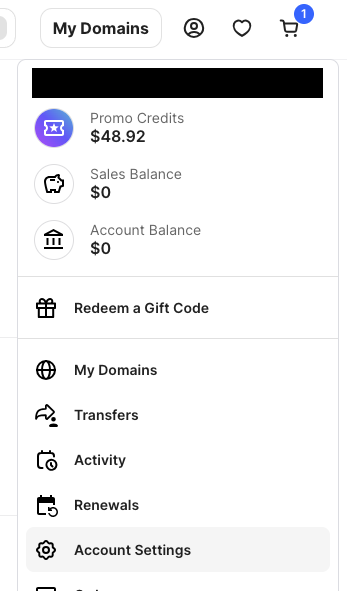
Make sure they share the correct wallet address, as this is required to receive the domain.
To transfer, you need the one that begins with 0x and says Custody Lite Wallet, UD secures your digital assets as shown below.
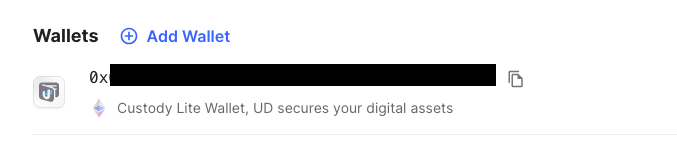
Note: If the recipient’s account is new and they have not yet purchased a domain, they’ll need to contact support@unstoppabledomains.com to have a custodial wallet created.
⸻
Once you have the recipient’s wallet address:
1. Log in to your Unstoppable Domains account.
2. Go to Account Settings.
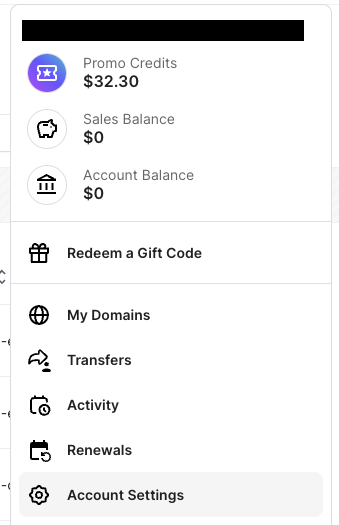
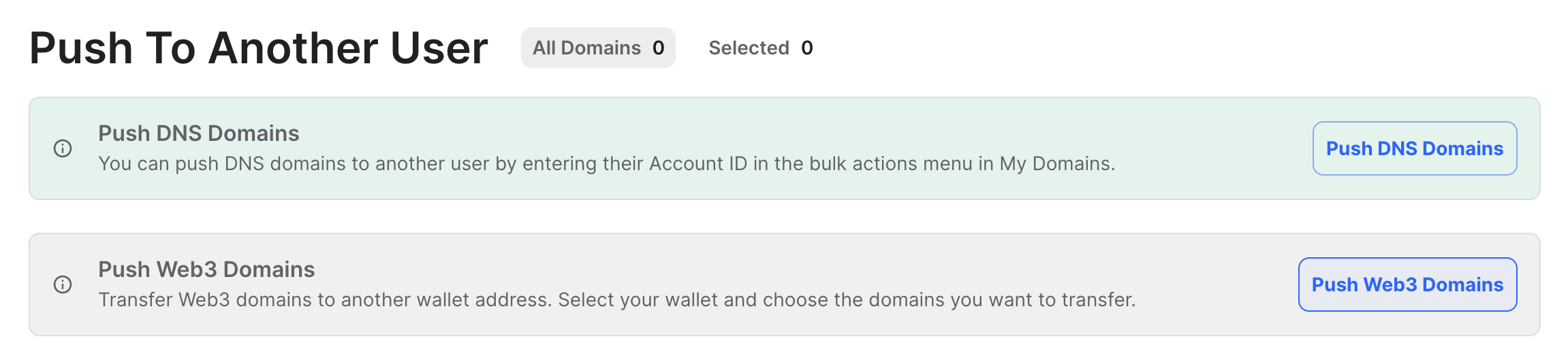
3. Click Advanced and then Move Domains Between Wallets.
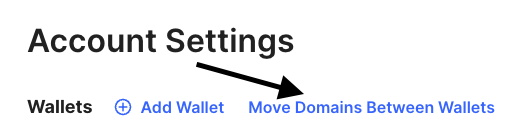
This will open the Push to Another User page.
Select the option to Push Web3 Domains.
⸻
Next:
1. Choose the wallet that currently holds the domain(s) you wish to transfer.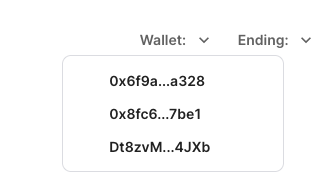
2. From the list, select the domain(s) you want to send.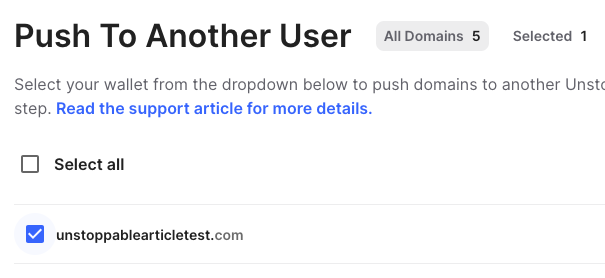
3. Once selected, click Push Domains to continue.
⸻
On the next screen:
1. Enter the recipient’s wallet address that you obtained earlier.
2. Review all details to ensure the address and selected domains are correct.
3. Check the required confirmation boxes to acknowledge the transfer terms.
4. Click Transfer Domain to complete the process.
Note: If you are transferring to an MPC wallet, or the wallet address we provide that begins with 0x, then you can select all of these options with no concern.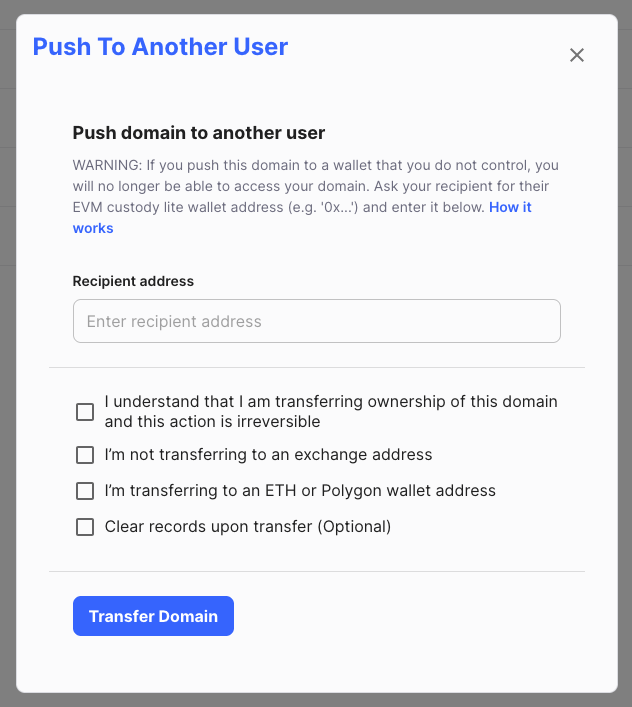
That’s it!
The domains will be pushed to the recipient’s Unstoppable Domains account once the transfer is processed.