Nameservers tell the internet which servers are authoritative for your domain's DNS records. By default, Unstoppable Domains manages your domain's DNS for you using our own nameservers. If you'd rather host your DNS elsewhere — for example, with a third-party DNS provider, a web host, or your own infrastructure — you can switch to custom nameservers.
This article explains how nameservers work on Unstoppable Domains, what changes when you use custom nameservers, and every way to update them.
Before you begin: what you need to know
Default (Unstoppable) nameservers
When your domain uses our default nameservers, Unstoppable Domains manages your DNS.
Our nameservers are:
- ns1.unstoppabledomains.com
- ns2.unstoppabledomains.com
Custom nameservers
When you enable custom nameservers, Unstoppable Domains no longer manages your DNS. Your DNS records (A, AAAA, CNAME, MX, TXT, etc.) are managed entirely by your chosen nameserver host. Any records you may have configured with Unstoppable will no longer apply, and DNS is controlled wherever your custom nameservers point.
Who is responsible for what
This is the most important thing to understand before switching:
- Unstoppable Domains is only responsible for propagating your custom nameservers to the registry. When you save a change, we submit your nameserver values to the domain's registry.
- Actual propagation of the nameservers is the responsibility of your nameserver host. Once the registry has your nameservers, it is up to your DNS provider/host to serve your DNS records correctly and for those changes to propagate across the internet.
- If your domain isn't resolving as expected after a change, the issue is most often on the nameserver host's side, not with Unstoppable Domains.
How to Edit Nameservers
Option 1: Change nameservers for a single domain
Use the domain's management page to update one domain at a time.
- Go to My Domains
 .
. - Click on the domain you want to update.
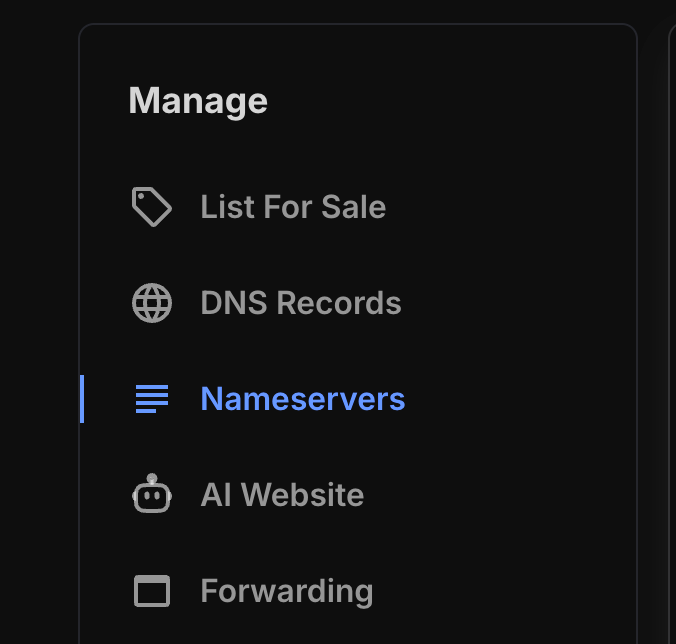
- Select Nameservers.
- Choose one of the following:
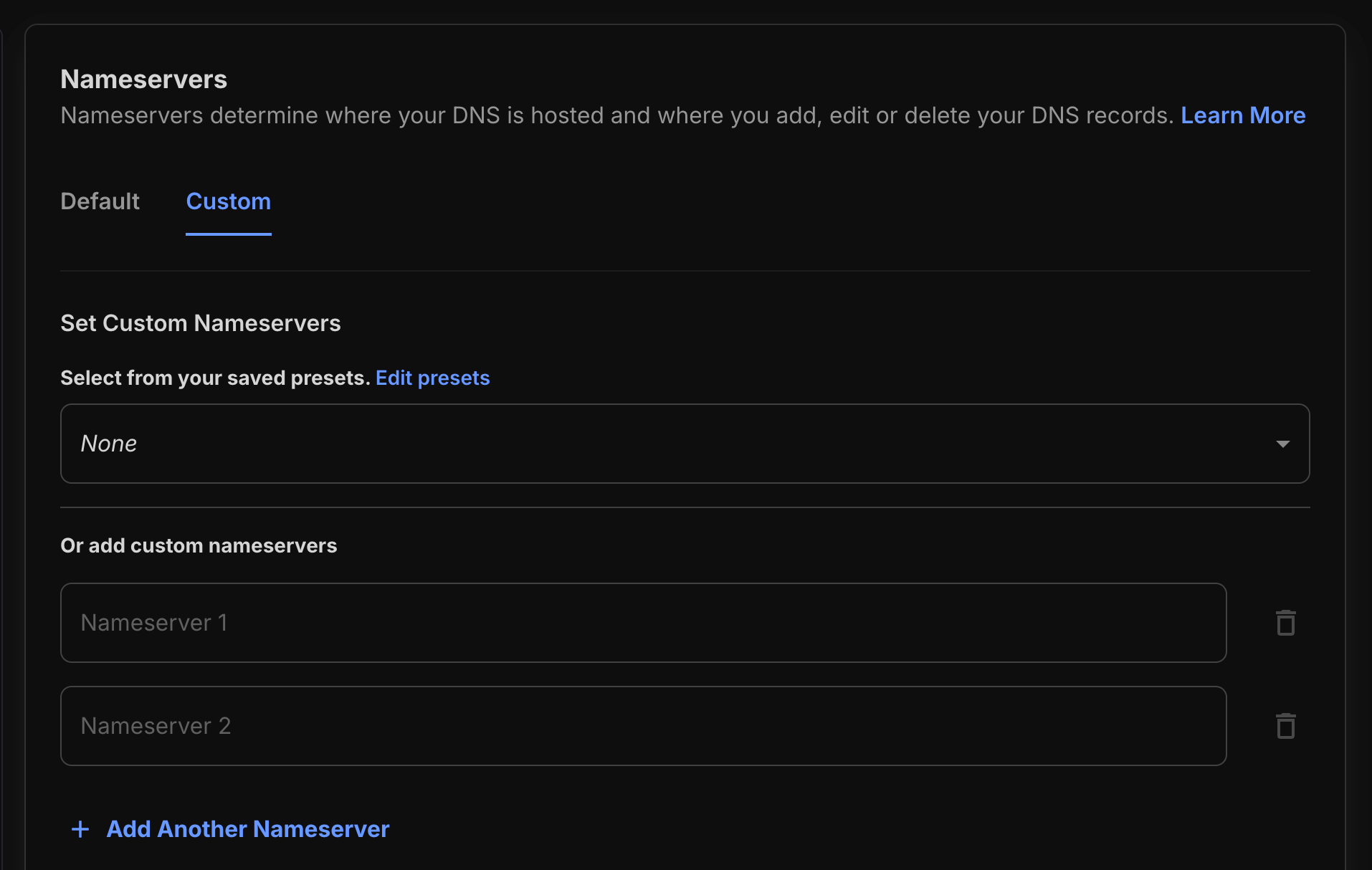
- Switch to custom nameservers — enter the nameserver values provided by your DNS host.
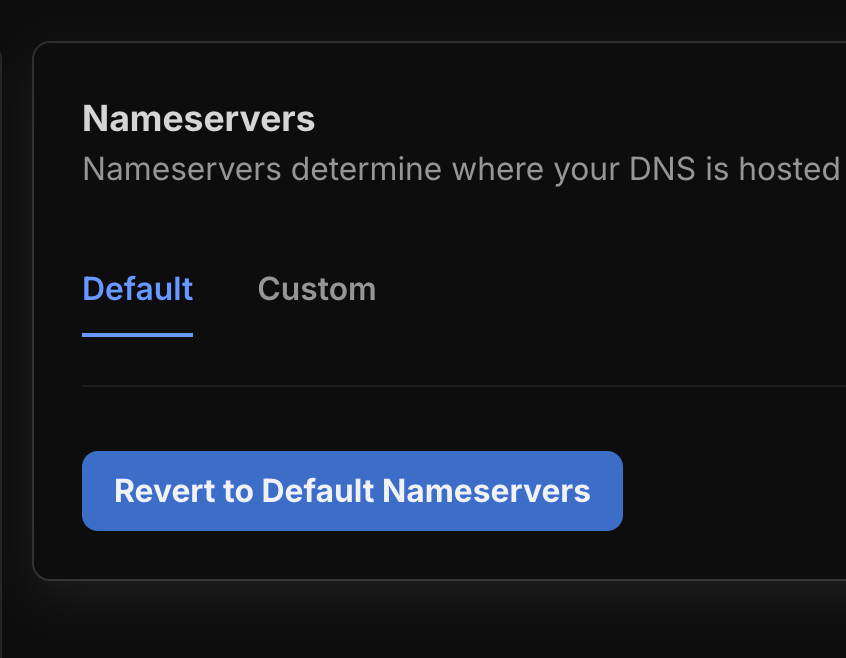
- Revert to default — if your domain is currently on custom nameservers, switch it back to Unstoppable Domains' default nameservers so we manage your DNS again.
- Switch to custom nameservers — enter the nameserver values provided by your DNS host.
- Choose one of the following:
- Save your changes.
Reminder: Switching to custom nameservers means Unstoppable Domains will no longer manage your DNS for this domain.
Option 2: Change nameservers in bulk
If you want to update multiple domains at once, you can do this from the My Domains list.
- Go to My Domains.

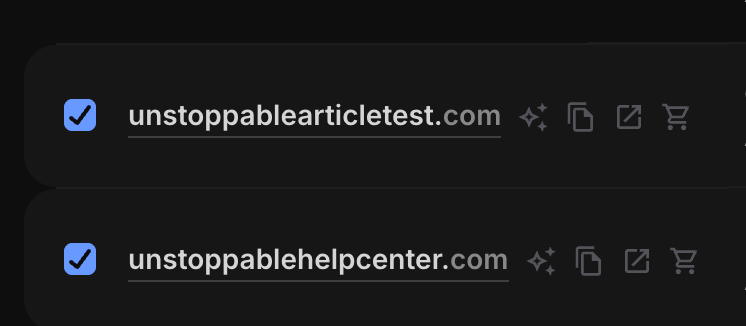
- Click the checkbox next to each domain you want to update.
- Select Actions.

- Select Nameservers.
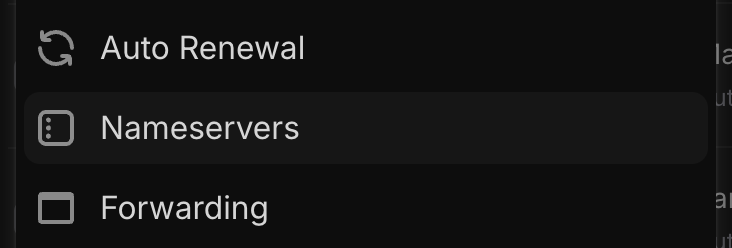
- Choose one of the following:
- Use Unstoppable's nameservers — apply our default nameservers so we manage DNS for the selected domains.
- Use your own nameservers — apply custom nameservers to the selected domains.
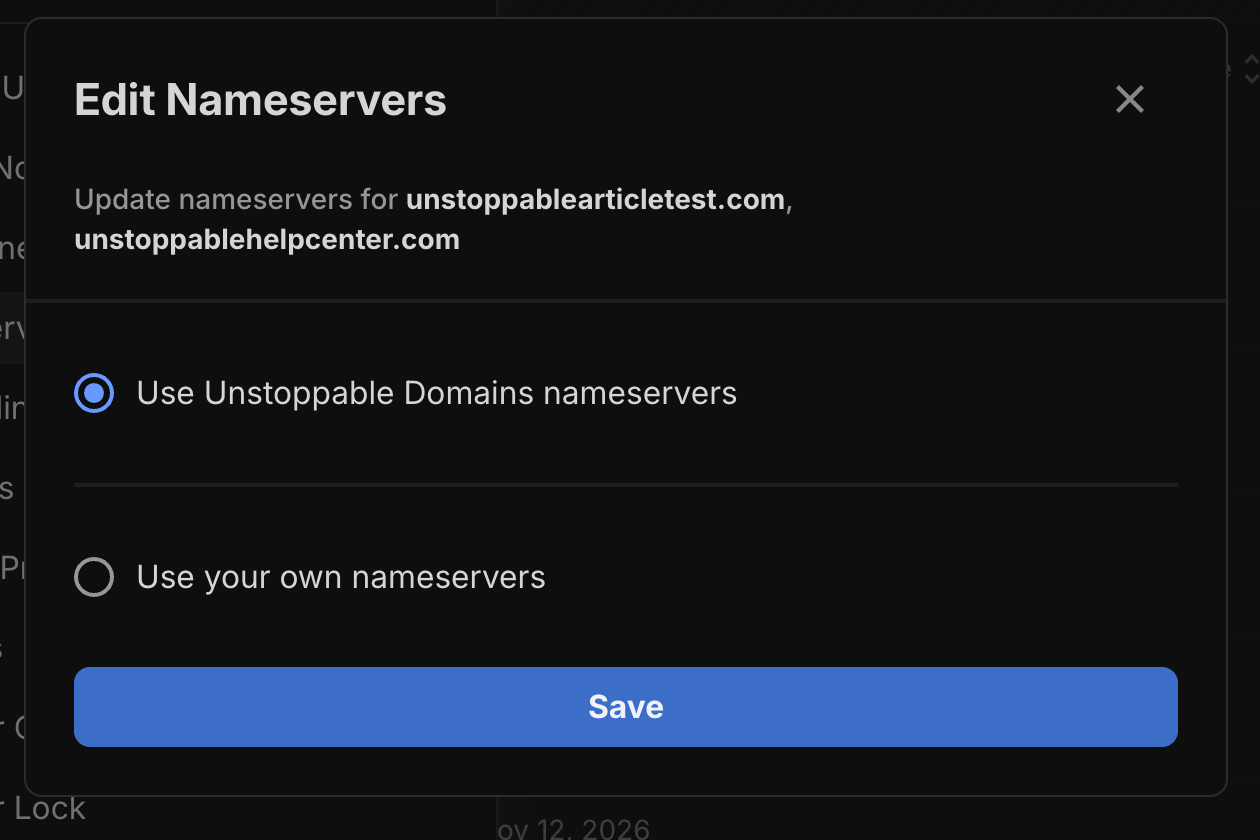
- Choose one of the following:
- Save your changes.
Option 3: Change nameservers with the Domain Manager AI agent
You can also update nameservers using natural language with AI.
- Open the Domain Assistant.
- See Domain Assistant: Find, Discover & Manage Domains with AI for more information.
- Describe what you want in plain language — for example, "Switch example.com to custom nameservers" or "Revert all my domains to default nameservers."
Note: Using the Domain Manager agent consumes AI credits.
Use a nameserver preset
If you frequently apply the same nameservers, you can save them as a preset for faster reuse.
Set up and manage your nameserver presets under Domain Presets.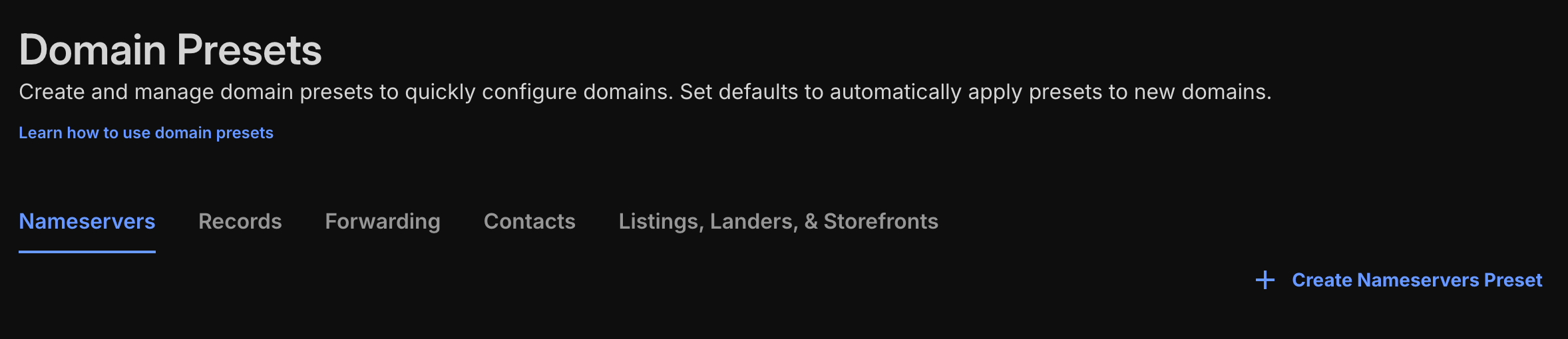
Once a preset is configured, you can apply it when updating domains instead of re-entering nameserver values each time.
Troubleshooting & FAQ
My domain isn't resolving after switching to custom nameservers.
Unstoppable Domains' role is to propagate your nameservers to the registry. Once that's done, your nameserver host is responsible for serving your DNS records and for propagation across the internet. Confirm that your DNS host has the correct records configured and that your nameserver values were entered correctly. DNS changes can take time to propagate globally.
Will my Unstoppable DNS records still work on custom nameservers?
No. When custom nameservers are enabled, Unstoppable Domains does not manage your DNS. All DNS records must be configured with your nameserver host.
How do I go back to letting Unstoppable manage my DNS?
Revert to the default nameservers using any of the methods above (single domain, bulk, preset, or the Domain Manager agent). Once reverted to ns1.unstoppabledomains.com and ns2.unstoppabledomains.com, Unstoppable Domains will manage your DNS again.
Can I use glue records?
Not at this time. Glue records are not currently supported.