App Advisor is a natural-language operator for the whole app. You tell it what you want in plain language, and it drives the interface to do it — navigating pages, starting chats, creating worktrees, building pipelines, and setting up automations. It works across both Unstoppable Code and Unstoppable Cowork.
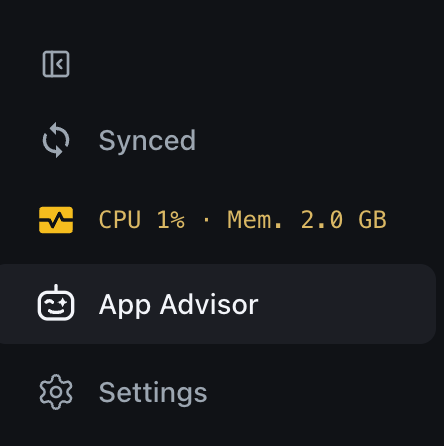
This article covers what App Advisor can do, when to reach for it, and a few limits to keep in mind.
What it can do
App Advisor can do most of what you can do in the UI yourself:
- Navigate the app and change settings.
- Create and manage workspaces and worktrees.
- Start chats and send messages — both Code worktree chats and Cowork chats.
- Run pipelines, and build or update them.
- Manage plugins, skills, and collections.
- Set up automations and watchers.
- Drive the in-app browser, terminal, and file tabs.
In short, if it's an action in the app, App Advisor can usually do it for you.
When to use it
App Advisor is most useful for two things:
- Organizing work across many projects and worktrees — the kind of coordination that's tedious to do by hand when a lot is going on.
- Repetitive actions you could do yourself but don't want to — described once, in plain language.
For example, you can ask it to:
- "Open the Pipelines page."
- "Here are 15 pull requests that are ready to merge — go down the list and merge them, and tell me which ones failed because of conflicts."
- "Set up an automation to run on a schedule."
How to reach it
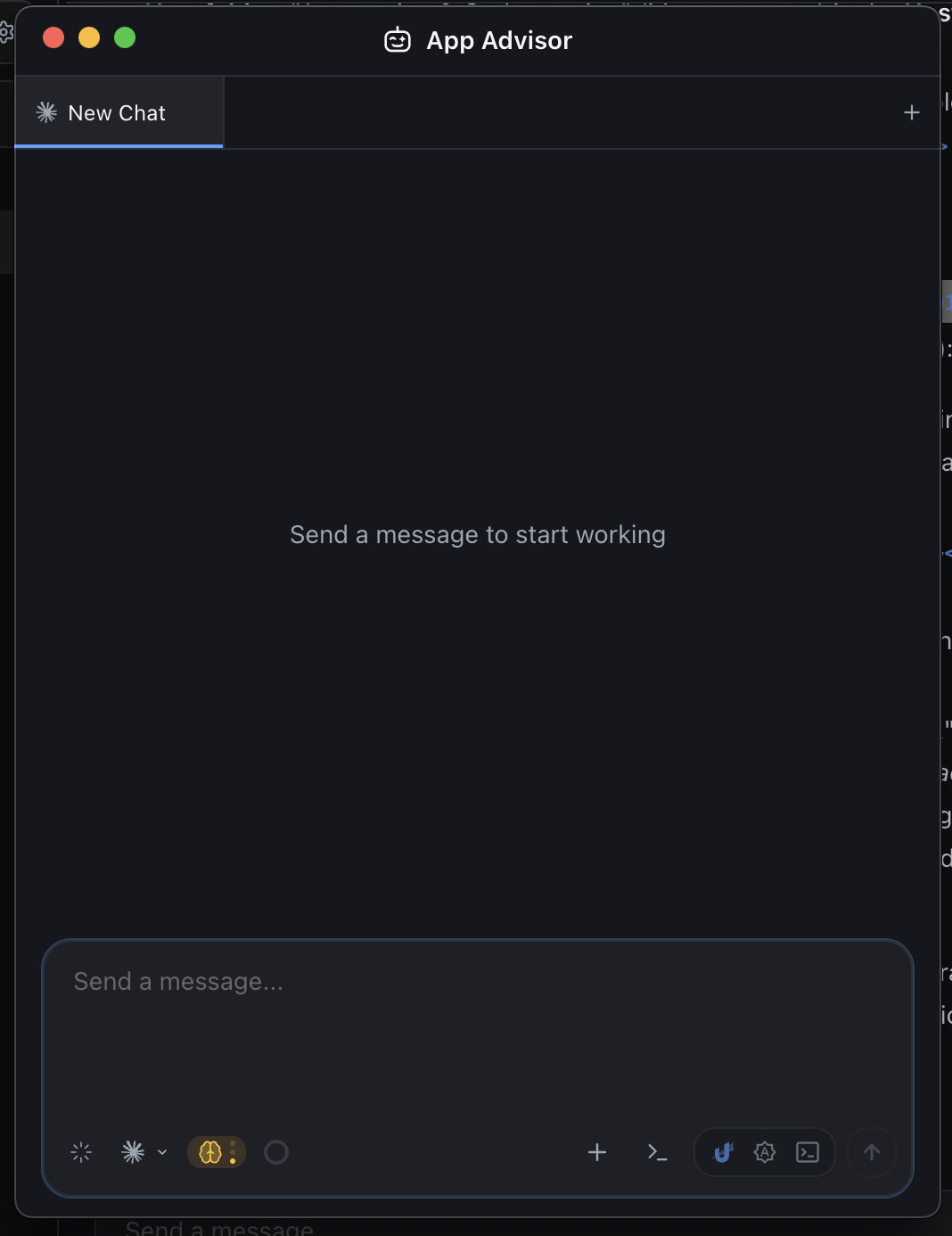
App Advisor is a pop-out window you can talk to alongside your work, so it can keep operating the app while you do other things. You can also fire off quick App Advisor prompts from the command palette (⌘K).
Good to know
- App Advisor works through the app's supported actions. It covers navigation, setup, monitoring, and workflow actions, but it isn't a stand-in for every possible click.
- Some actions need a workspace and worktree (or a project and chat) selected first.
- When App Advisor sets up a watcher, that watcher reports on future events only — it can't attach to a task that has already finished.
Next steps
- Watchers — get pinged in-chat when a watched job finishes or fails.
- Automations & scheduling — scheduled and triggered activities.
- Working in parallel — the workflow App Advisor helps you coordinate.