Unstoppable Domains has two navigation modes: AI and Domains. A navigation mode sets your home screen and which tools appear in the top navigation bar across the site. You choose the mode in your account settings, and you can switch back at any time.
Both modes give you access to the same features — the mode only changes what's shown first and how the top navigation is arranged. Pick the one that matches how you use Unstoppable Domains most: buying and managing domains, or building with the assistant and AI tools.
What each mode does
| Mode | Best for | Top navigation centers on |
|---|---|---|
AI | Building websites, running socials, and creating email campaigns with the assistant. | AI tools and the assistant |
Domains | Buying, selling, and managing domains. | Your domains dashboard and the marketplace. |
How to switch modes
The mode is a single setting, and the change takes effect immediately — there's no separate save step.
- Sign in to your account
- Go to your Account Settings
- On the Account tab, find Navigation Mode at the top of the page
- Select AI or Domains
The top navigation updates right away. To confirm the change, return to the home page and check the links in the top bar.

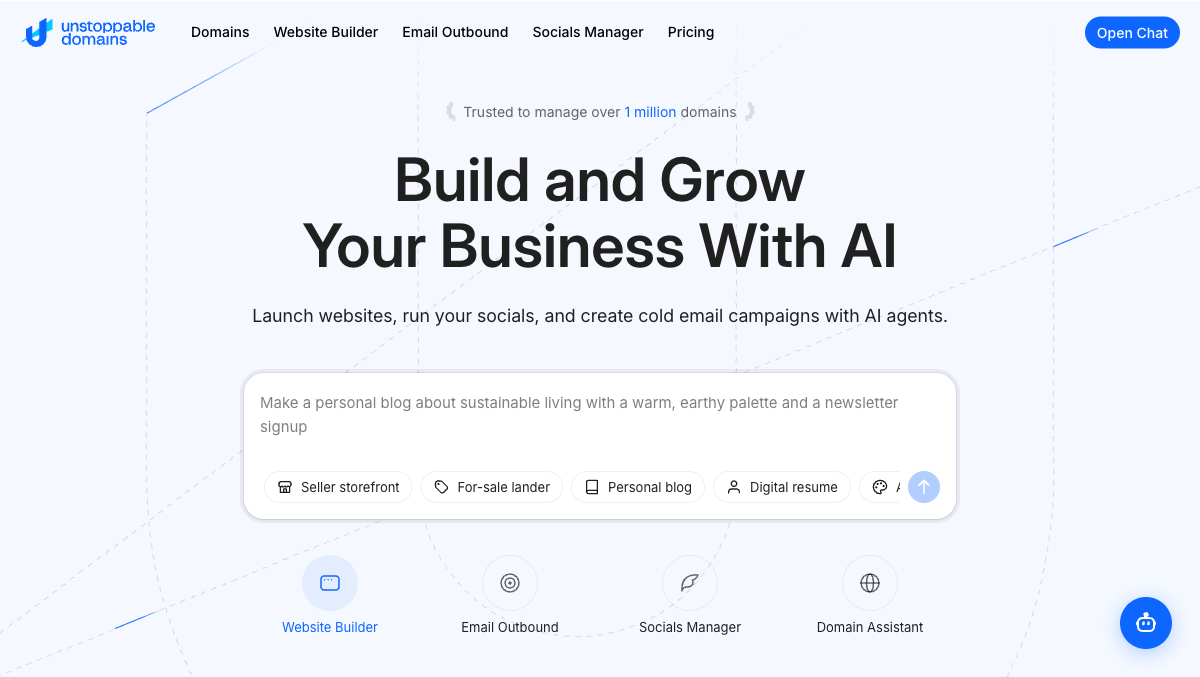
How the site looks in AI mode
In AI mode, the top navigation puts the assistant and AI tools first. You'll see an Open Chat button on the right side of the bar.
Top navigation links:
| Link | Where it goes |
|---|---|
| Domains | Marketplace search |
| Website Builder | Website Builder agent |
| Email Outbound | Email Outbound agent |
| Socials Manager | Socials Manager agent |
| Pricing | Pricing page for AI Credits and subscriptions |
How the site looks in Domains mode
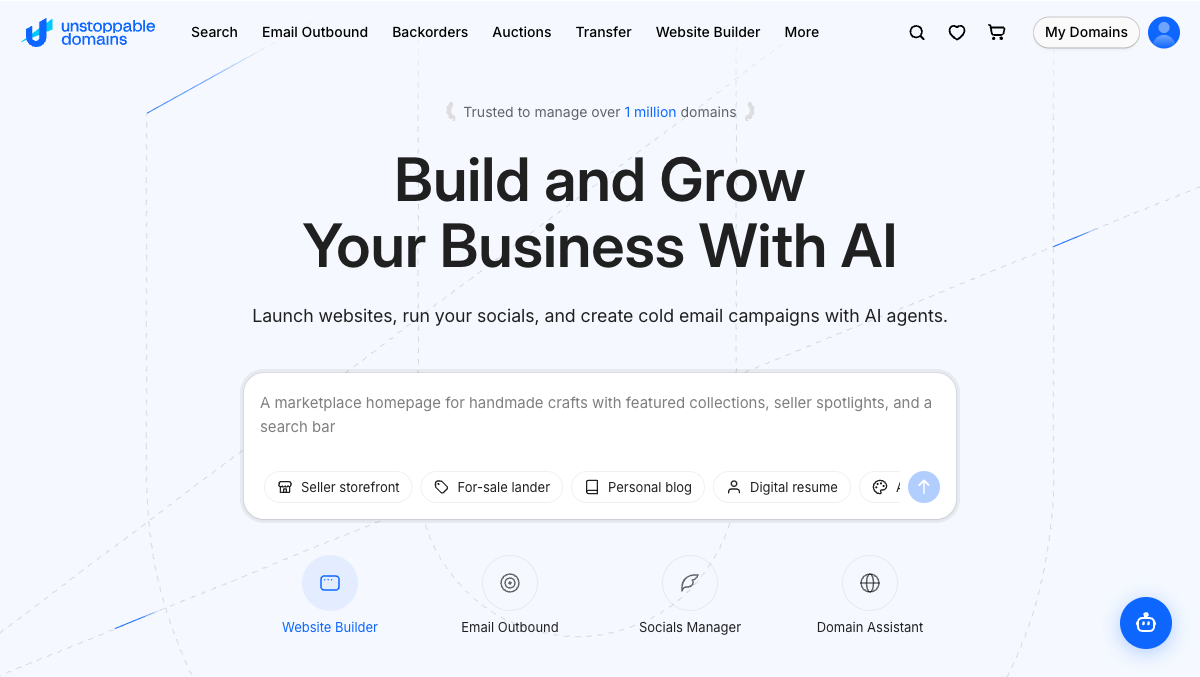
In Domains mode, the top navigation puts domain buying, selling, and management first. The right side of the bar shows quick-access icons instead of the chat button: Search, Watchlist, Cart, a My Domains button, and your Account menu.
Top navigation links:
| Link | Where it goes |
|---|---|
| Search | Marketplace search |
| Email Outbound | The assistant's Email Outbound tool |
| Backorders | Pending-delete domains you can backorder |
| Auctions | Marketplace auctions |
| Transfer | Transfer a domain in |
| Website Builder | The assistant's Website Builder |
| More | Additional domain pages, starting with pricing |
What stays the same
Switching modes does not hide any features or move your account.
All of your tools stay available. The full menu — My Domains, the marketplace, the assistant, and every account page — is always reachable from the account menu, no matter which mode you're in.
Your domains and data don't change. The mode is only a display preference. It does not affect your domains, listings, orders, or settings.
The assistant is always one click away. The chat button stays available so you can open the assistant from any mode.
You can switch modes as often as you like without any effect on your account.
Problems?
Contact our support team at support@unstoppabledomains.com.