AI Drop Hunter is a ready-made automation built for one job: finding dropping (expiring) domains so you never miss one that matches your interests. Set your keywords, pick a schedule, and it does the hunting for you — emailing the results straight to your inbox.
It's perfect for domain investors who want to track dropping names without running the same search by hand every day.
How it works
AI Drop Hunter runs on its own and sends you what it finds:
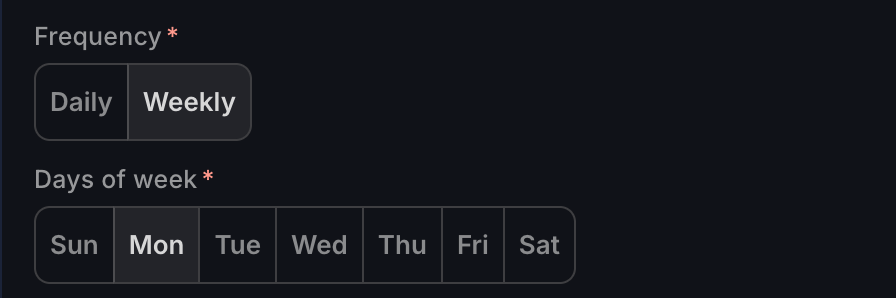
- Schedule it your way — run it Daily, or Weekly on specific days of the week you choose.
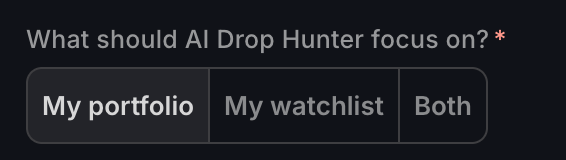
- Focus your search — point it at keywords from your Portfolio, your Watchlist, or both.
- Pick your time — set the specific time it runs.
- Get it by email — results arrive in your inbox automatically.
Because it's pre-built, you don't have to write a prompt from scratch — just set your keywords, schedule, and time, and let it run.
Set up AI Drop Hunter
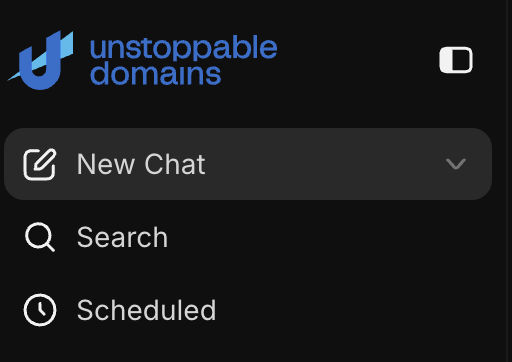
- Open AI Drop Hunter via the Scheduled button in the chat window.
- Choose your keyword source — Portfolio, Watchlist, or both.
- Set the schedule — Daily, or Weekly on the specific days you pick.
- Choose the time it should run.

- Confirm you want results emailed to you, then press Start Hunting.

Build a Custom Drops Explorer Automation
Prefer to hunt dropping domains your own way? Beyond the ready-made AI Drop Hunter, you can turn Drops Explorer into a fully custom automation — your own search, written your way, running on a schedule.
Instead of choosing from preset keyword sources, you write a custom prompt describing exactly the dropping domains you're after, and the automation runs that search for you automatically.
How it works
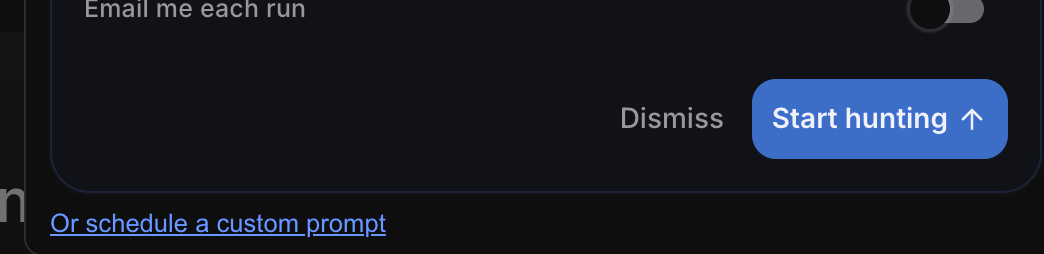
- Select Scheduled and choose select "or schedule a custom prompt"
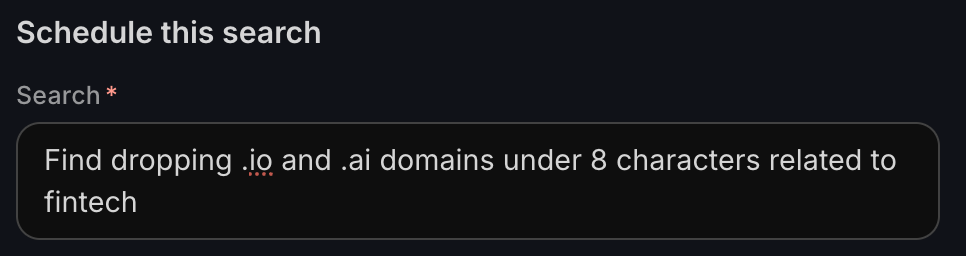
- Write your custom prompt — describe the dropping domains you want in natural language (keywords, themes, length, TLDs, and more).
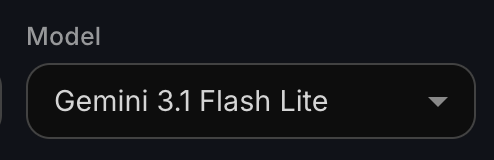
- Choose an AI model to power the search — pick a lower-cost model for searches that run often. See How to Choose Your AI Model.
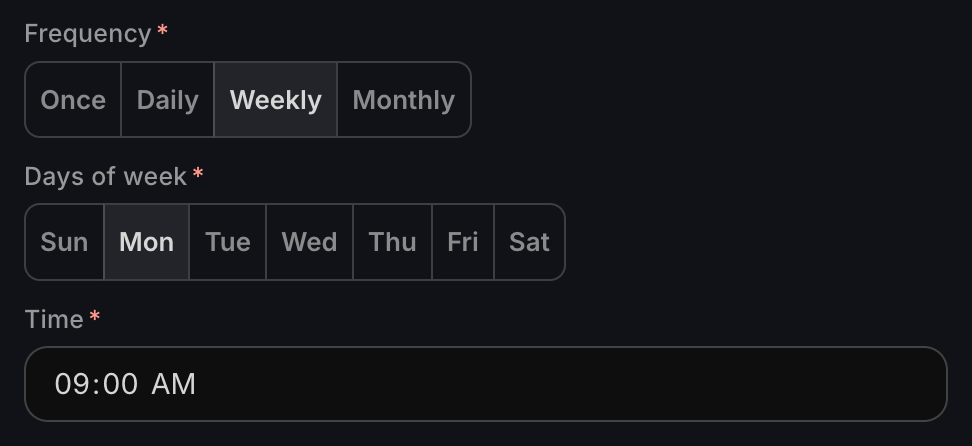
- Set the schedule — run it once, daily, weekly, or monthly at a specific time.
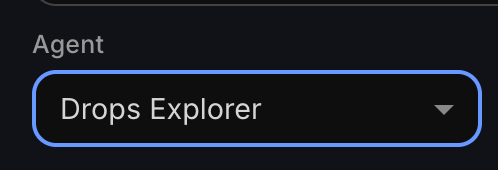
- Ensure you select Drops Explorer from the agent dropdown
- Get the results emailed to you automatically

Custom Drops Explorer automation vs. AI Drop Hunter
AI Drop Hunter is the quick, pre-built option — just pick your Portfolio, Watchlist, or both, set a schedule, and go.
A custom Drops Explorer automation gives you full control over the search prompt and model, ideal when you want to hunt by specific themes or criteria rather than your existing keywords.
How it's billed
Each time AI Drop Hunter runs, it uses AI credits. The more often it runs, the more credits it uses over a month, so factor your schedule into your budget. See AI Credits & Subscriptions: Pricing and How They Work.
Related
Build your own scheduled task: AI Drop Hunter is a ready-made example of an Automation. To schedule other AI tasks, see
Search for dropping domains on demand: use the and its "Find similar pending deletes" action.
Questions?
Need a hand getting set up? Reach our support team anytime.