We now let you host a simple static website directly on your domain.
You can use AI to generate a professional landing page, or upload your own HTML or ZIP file. Your site will be served over HTTPS with an automatically provisioned SSL certificate.
Note: Website hosting is not available in bulk through Actions at this time.
Before You Begin: Disable Forwarding
Website hosting and domain forwarding cannot be active at the same time. If you have forwarding set up on your domain, you must disable it before configuring hosting.
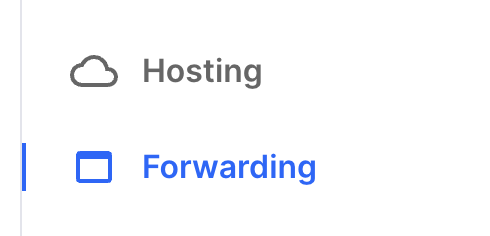
On your domain's management page click Forwarding.
Delete any forwarding for your Domain or www Subdomain. If you only have those two, click Delete All Forwardings.
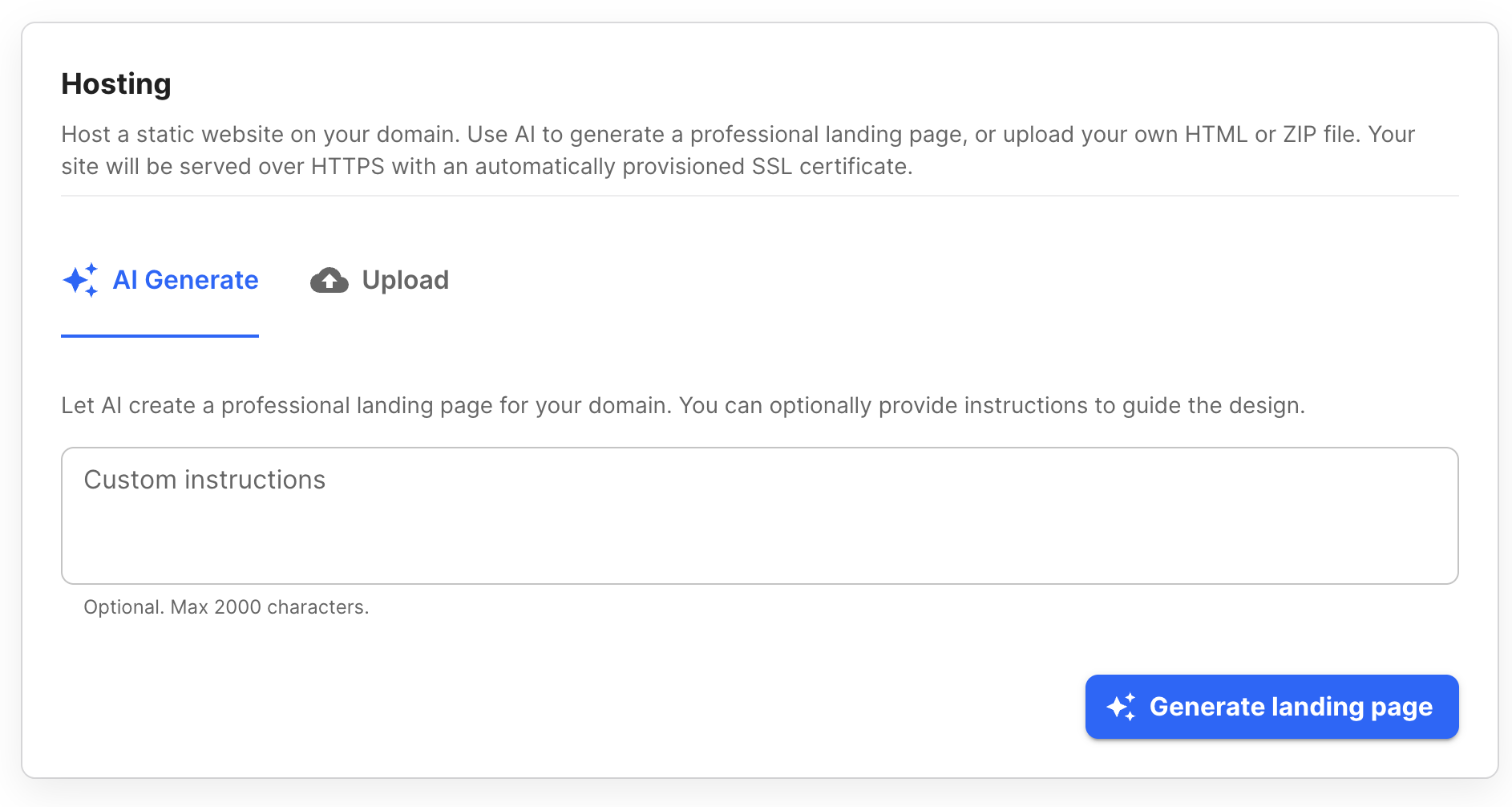
Option 1: AI-Generated Landing Page
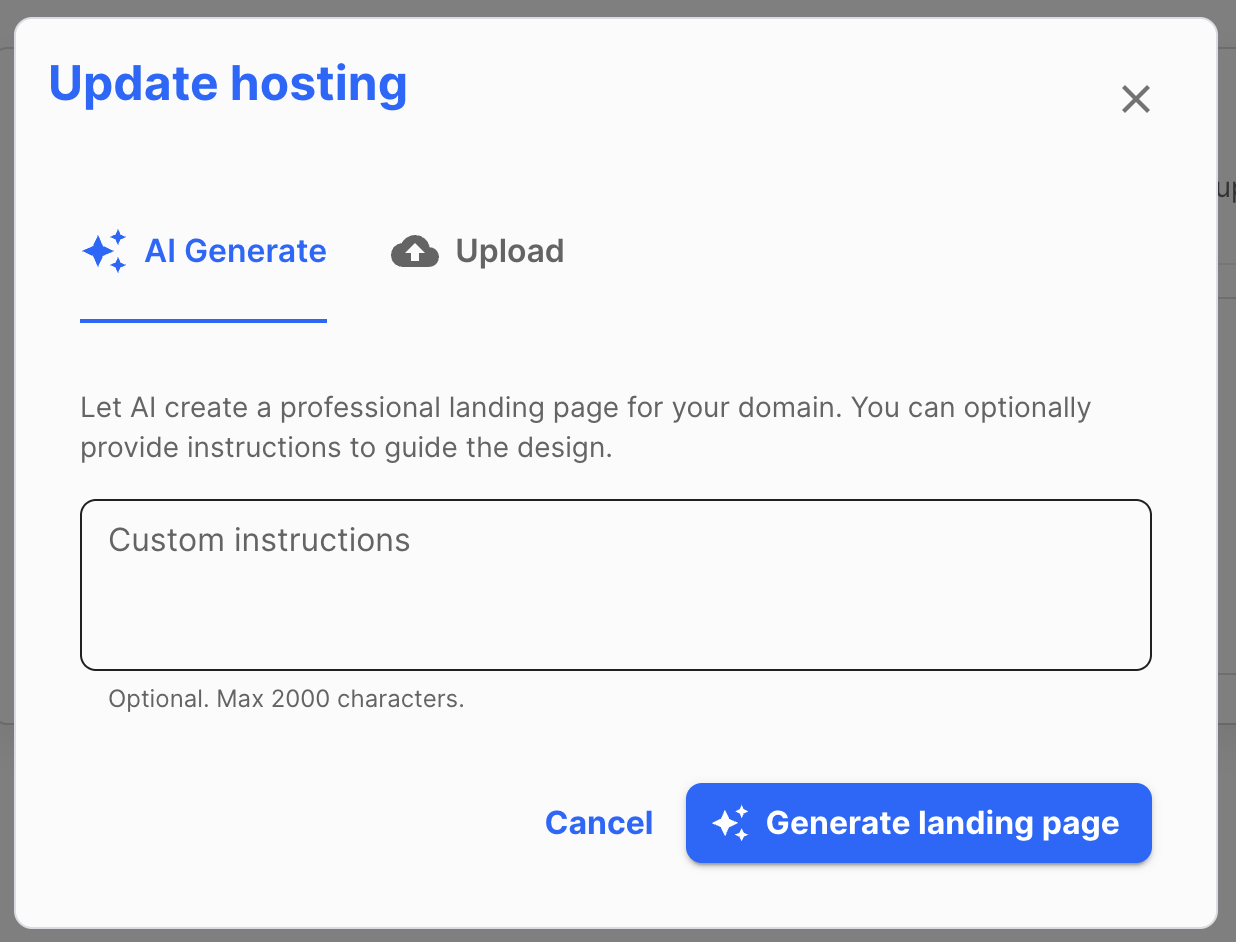
Use a prompt to have AI generate a custom landing page for your domain. The prompt guides the visual design of the page — things like color scheme, font style, and overall vibe — rather than specifying exact content.
Example Prompts
Here are some examples to help guide your design:
"Clean and minimal with a white background, navy blue accents, and a modern sans-serif font. Professional and trustworthy feel."
"Bold and energetic with dark background, neon green highlights, and a tech startup vibe. Use a geometric font."
"Warm and inviting with earthy tones — terracotta, cream, and sage green. Soft serif fonts. Feels like a boutique or artisan brand."
"Luxury aesthetic with black and gold, elegant script or thin serif fonts, and plenty of whitespace."
"Playful and colorful with bright primary colors, rounded fonts, and a fun friendly tone — like a creative agency or kids brand."
"Muted pastel palette, soft gradients, and a calm wellness or lifestyle vibe. Light and airy layout."
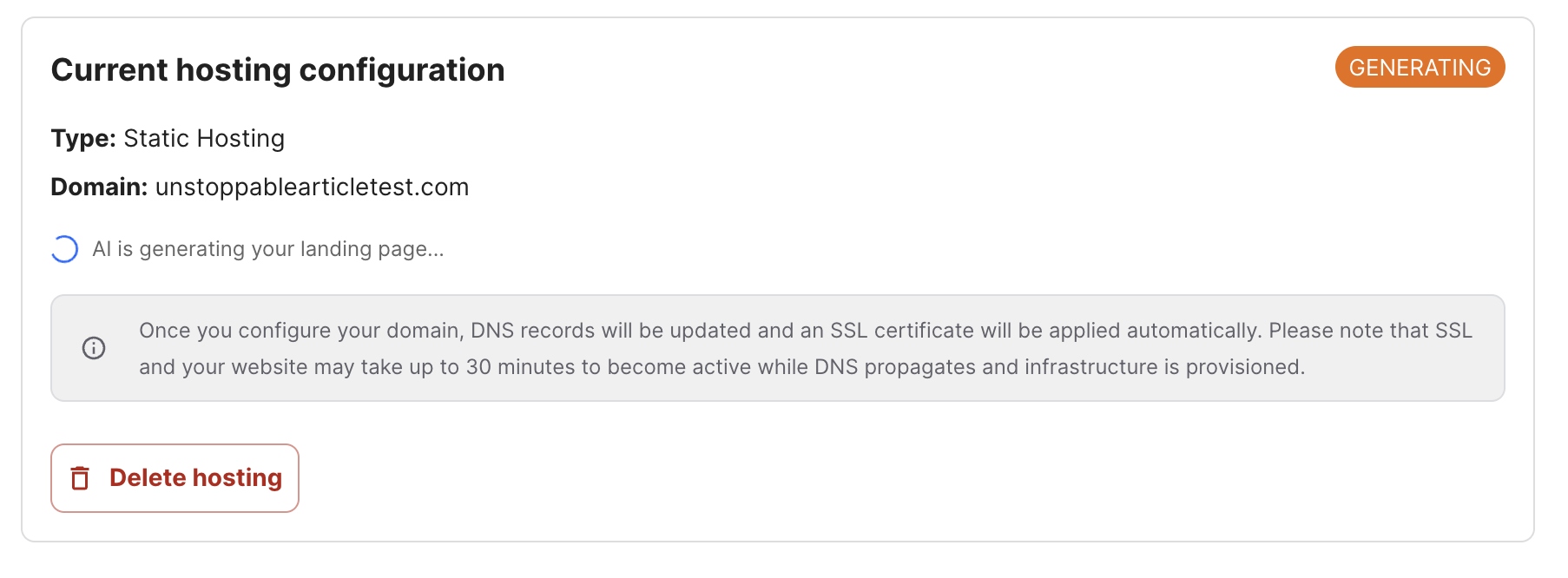
Once you submit your prompt, it will start generating the landing page and it can take a few minutes to generate.
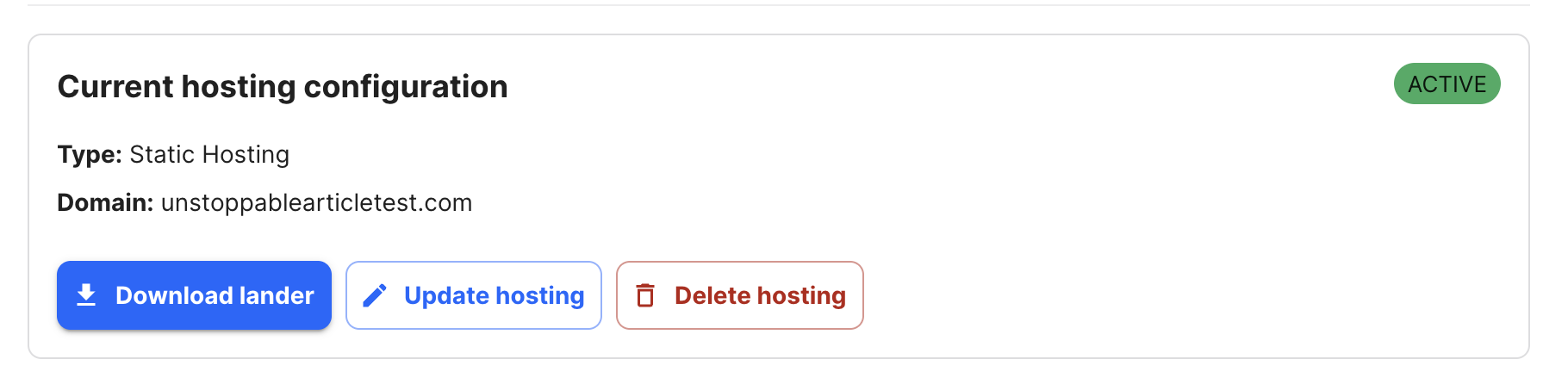
Once the page is generated, you can download the HTML file via the Download Lander button to keep a copy or make your own changes directly and upload it.
You can also click Update Hosting and enter a new prompt or upload your own files.
Keep in mind: Each generation starts fresh. Prompts do not remember previous generations, so if you want to refine a result, include all your design preferences in the new prompt.
The landing page will generate the content and propagate out the DNS changes. Once that has finished, you will see Active.
Option 2: Upload Your Own HTML or ZIP File
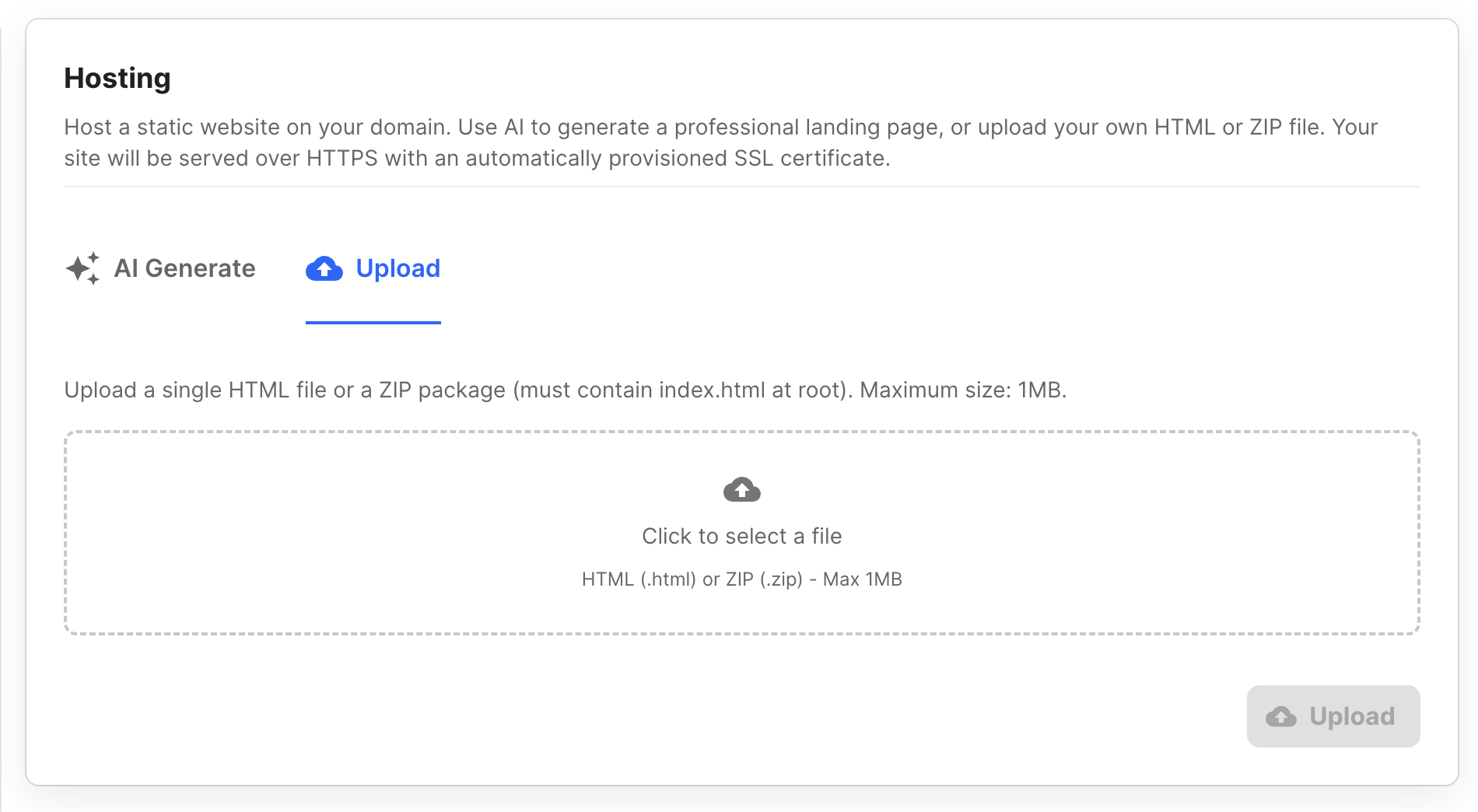
If you have your own website files, you can upload them directly.
HTML file: Upload a single .html file.
ZIP file: Upload a ZIP archive containing your site files. The root of the ZIP must include an index.html file. You may include images, stylesheets, scripts, and subdirectories, as long as all assets are referenced using relative paths. Maximum file size is 1 MB.
Note: We are unable to troubleshoot issues with custom uploaded pages. It is your responsibility to ensure your files are correctly structured and working before uploading.
After Setup: SSL and DNS Propagation
Once your hosting is configured, DNS records will be updated and an SSL certificate will be provisioned automatically. Please allow up to 30 minutes for your site and SSL to become fully active while DNS propagates and infrastructure is set up.
If your site shows as active but isn't loading correctly yet, it may still be propagating globally — this is normal. Give it the full 30 minutes before troubleshooting.
If You Had Forwarding Set Up Previously
If your domain previously had a 301 (permanent) redirect configured, your browser may have cached that redirect. This means even after forwarding is disabled, your browser might still send you to the old destination.
This cached redirect is stored in your browser and is outside of our control. To test whether your site is actually live and working, open a private/incognito window — this bypasses the browser cache and gives you a fresh look at where the domain is pointing.
If the site loads correctly in a private window but not in a regular window, the issue is a cached redirect in your browser. It will clear on its own over time, or you can manually clear your browser cache.